
Best Sellers: Last 90 Days













Last Days: Ends 30 Nov
20 To 40% Off Everything*
Black Friday sale. The Long Black ends 30 November.
Shop The Sale
T&Cs





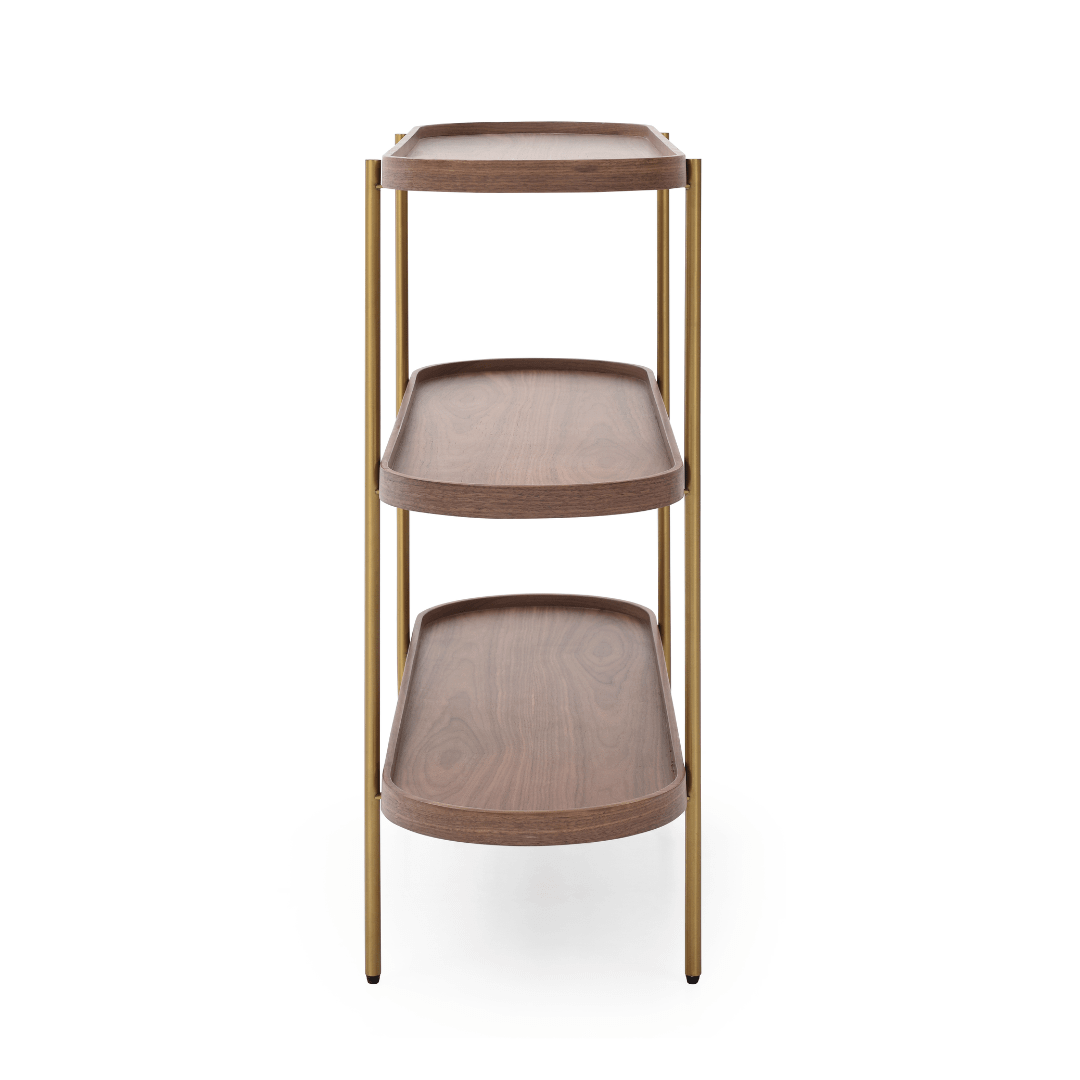


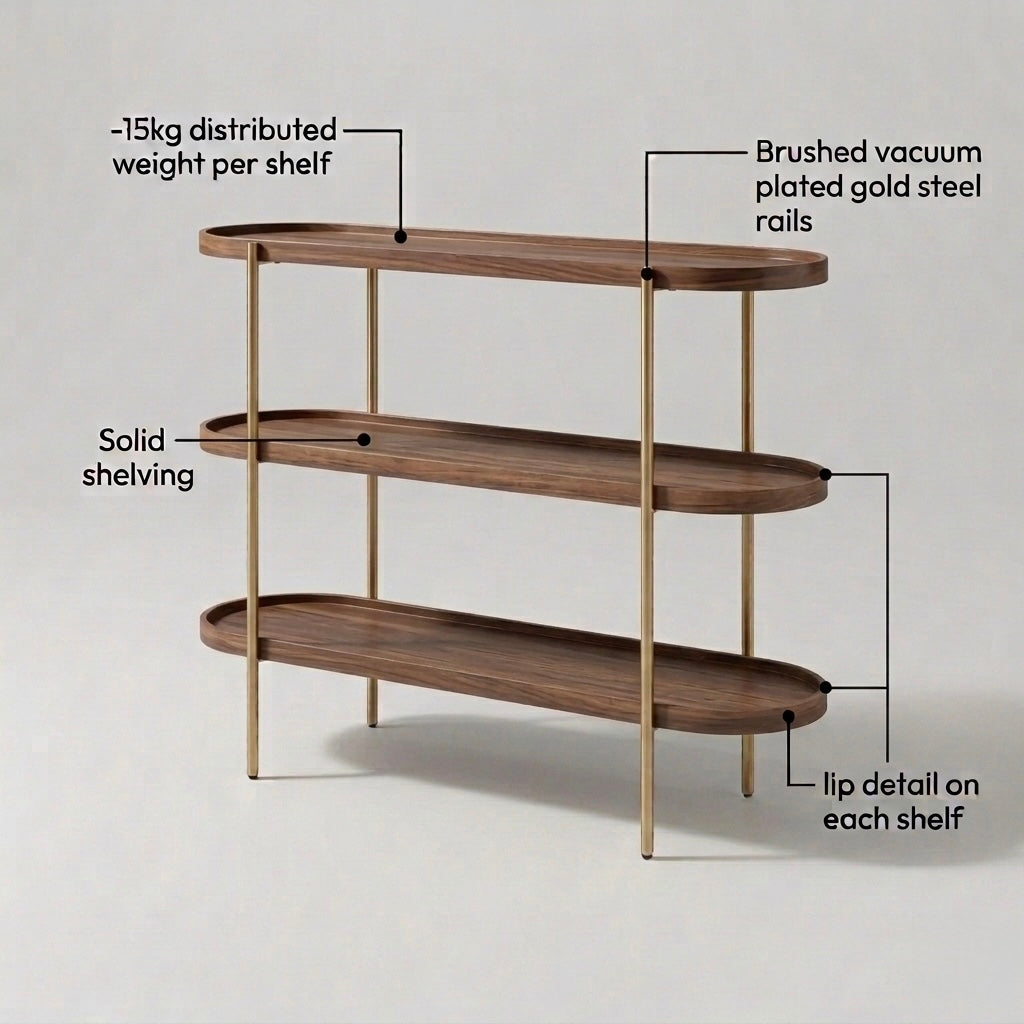



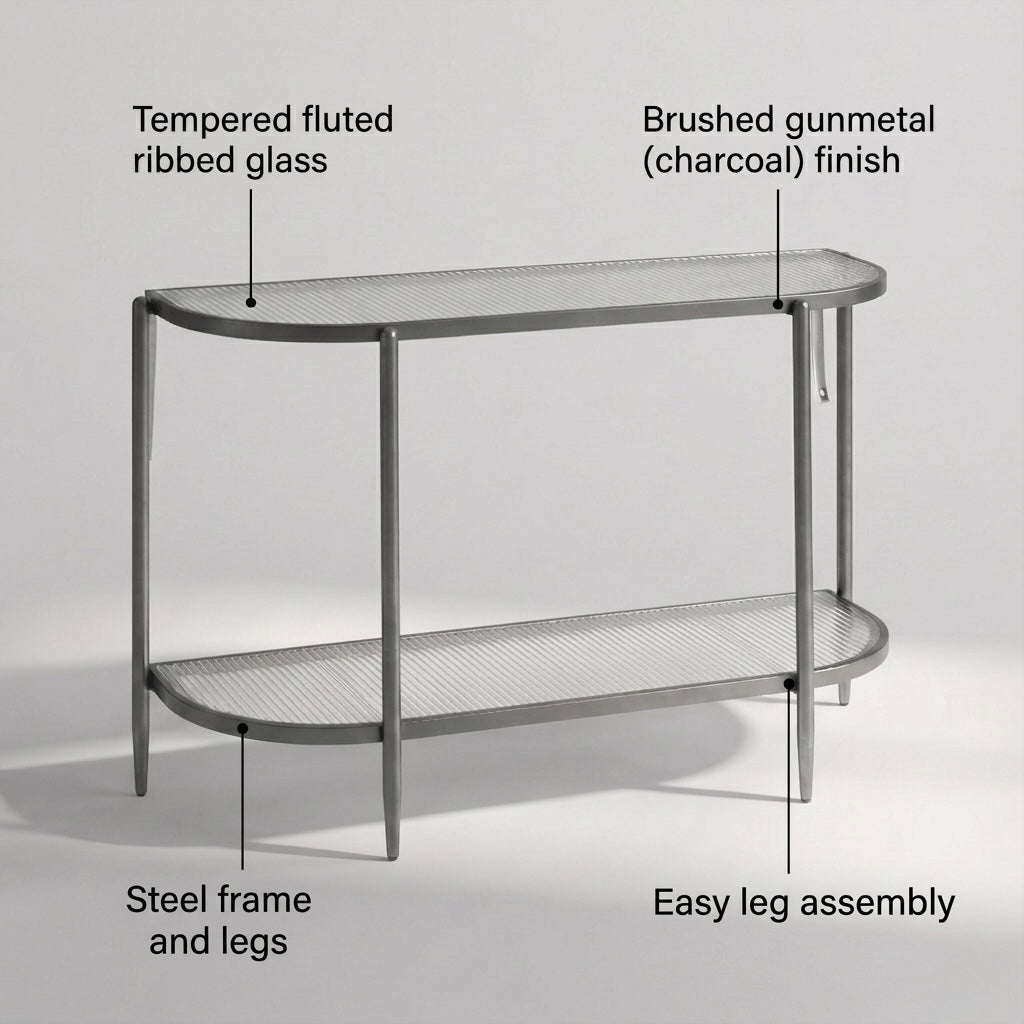


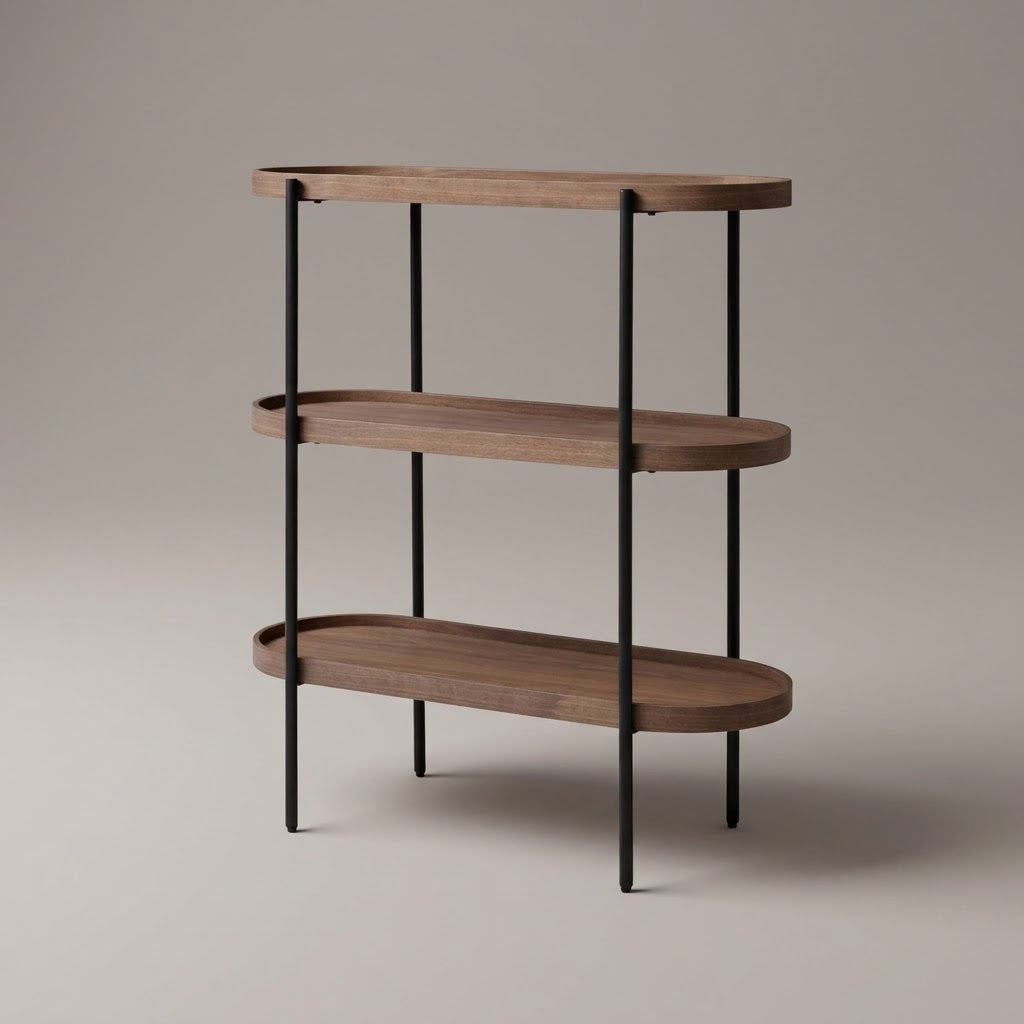



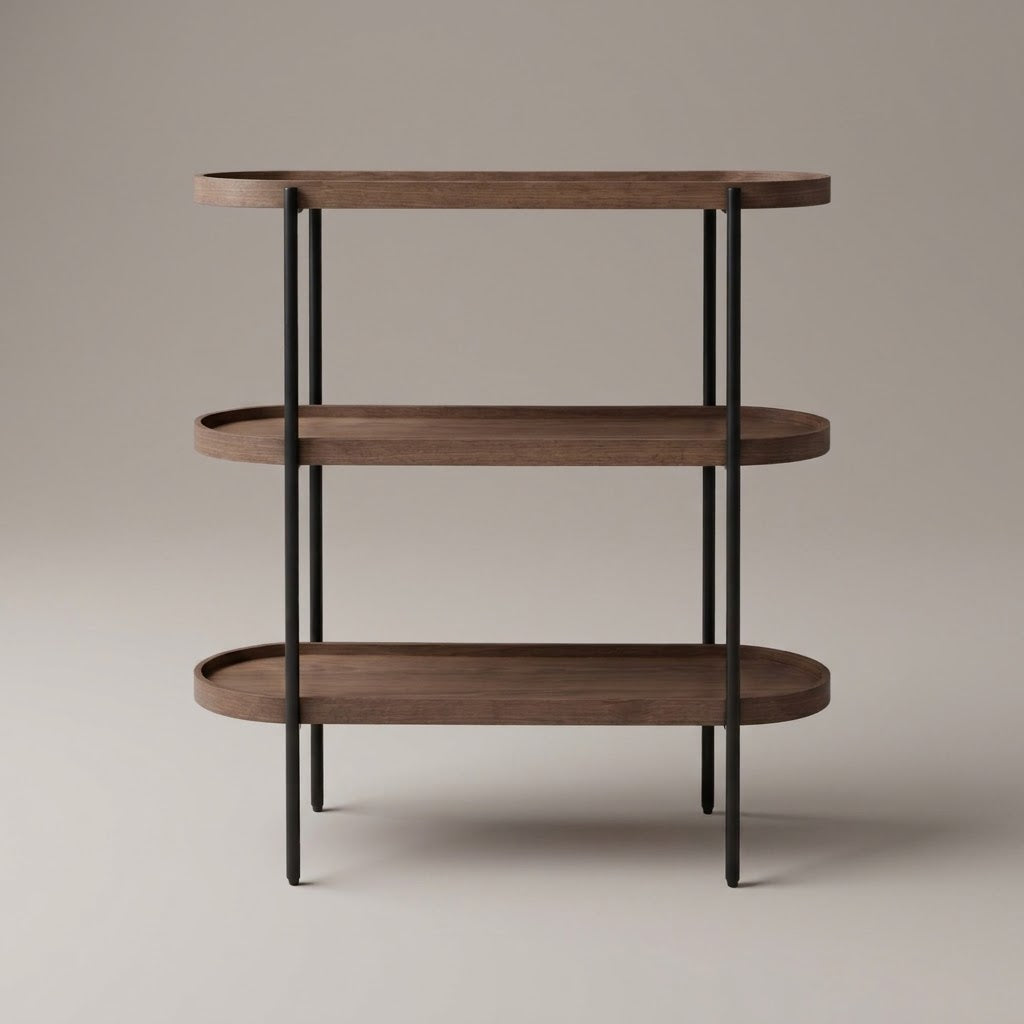
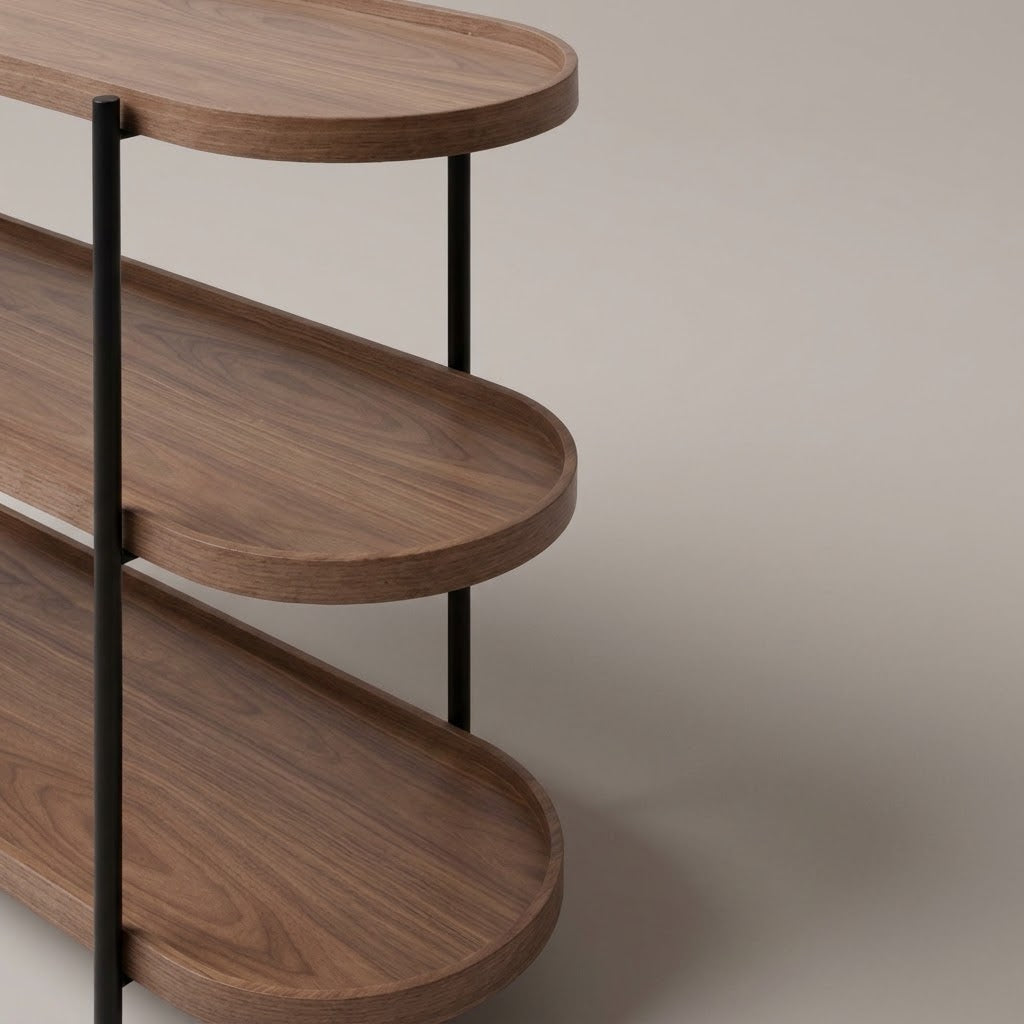
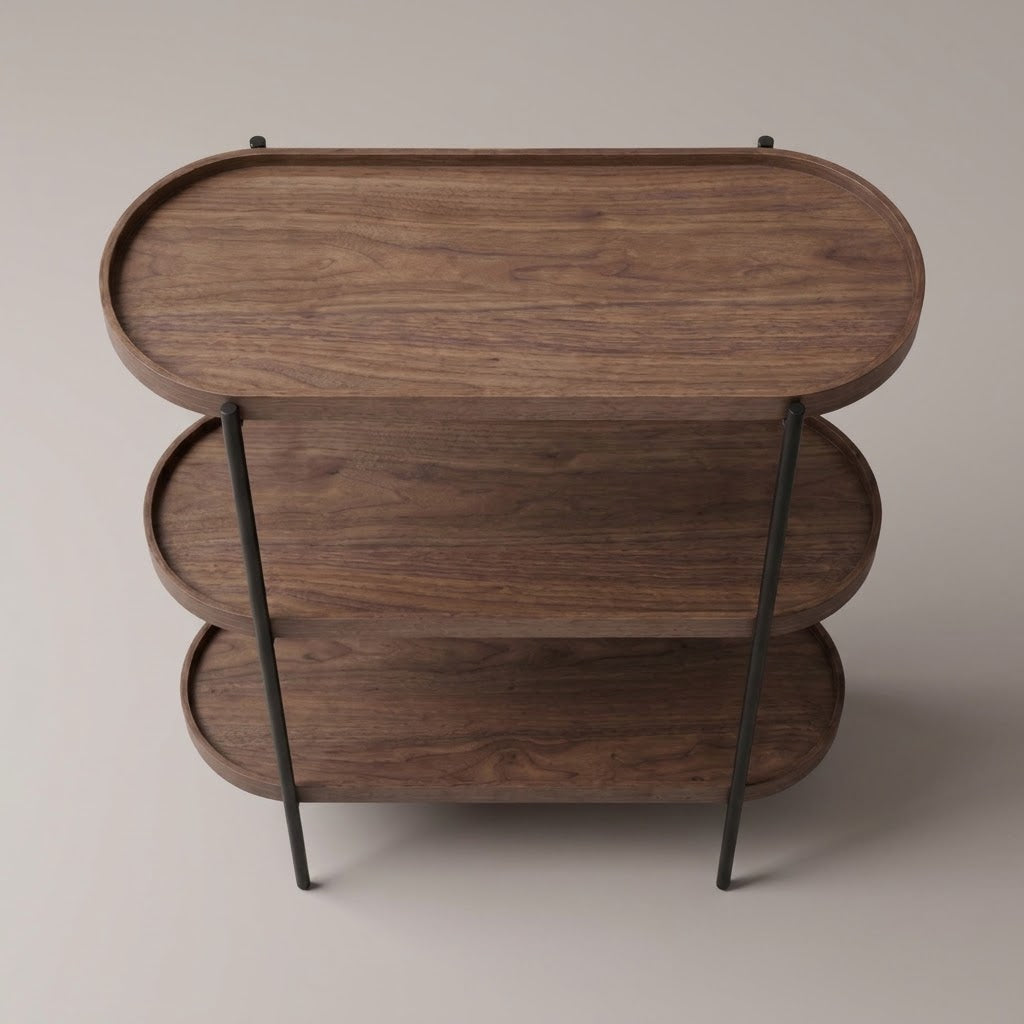


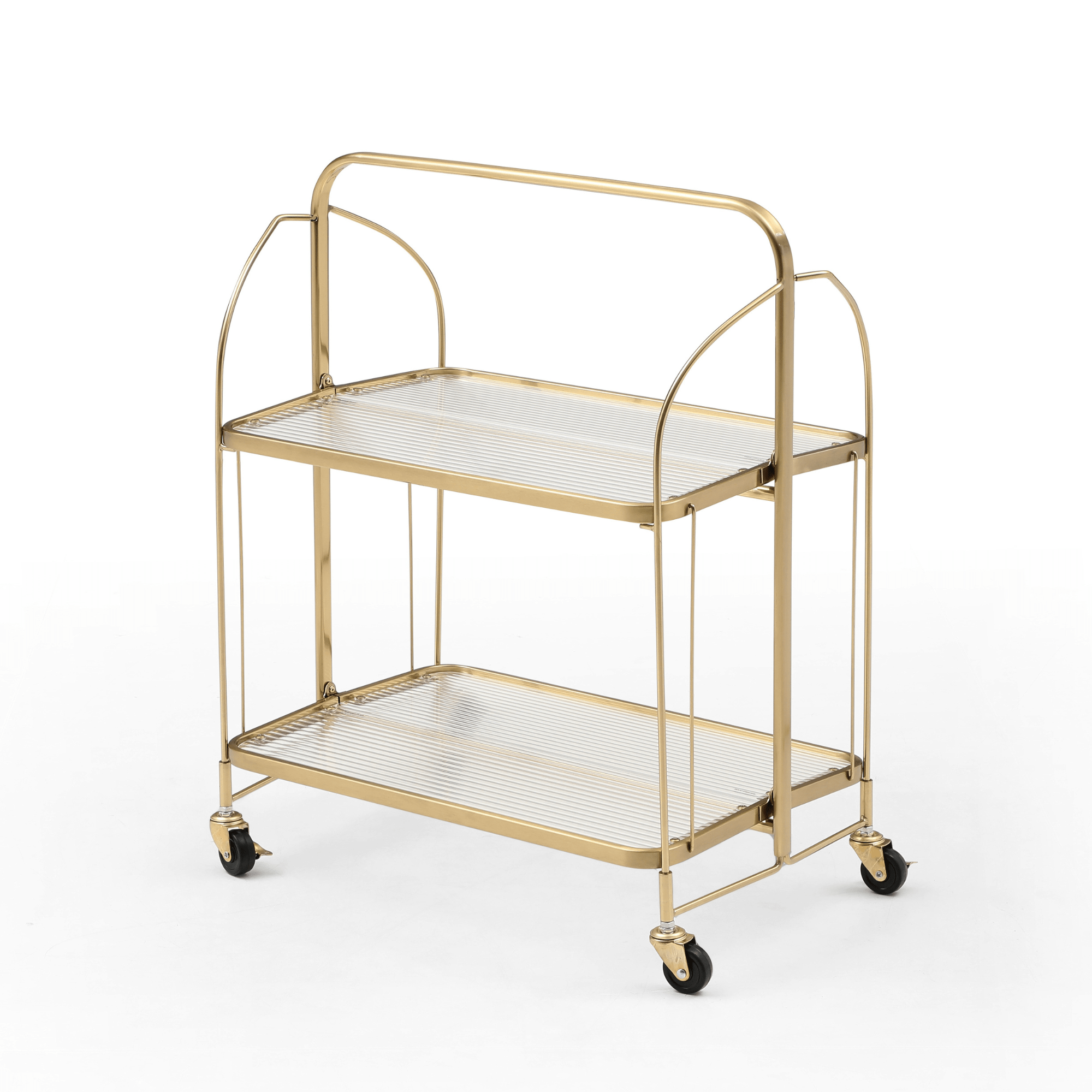

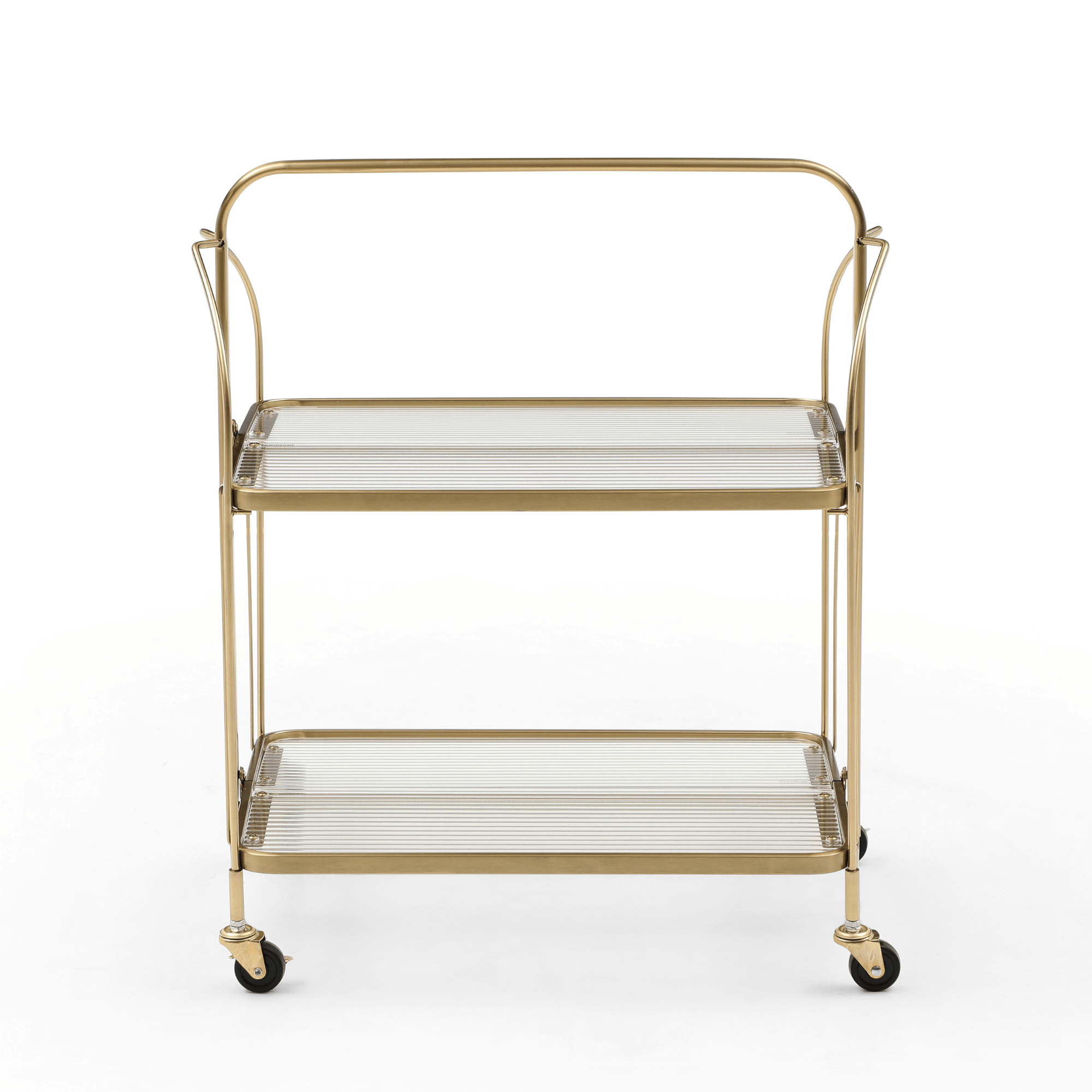
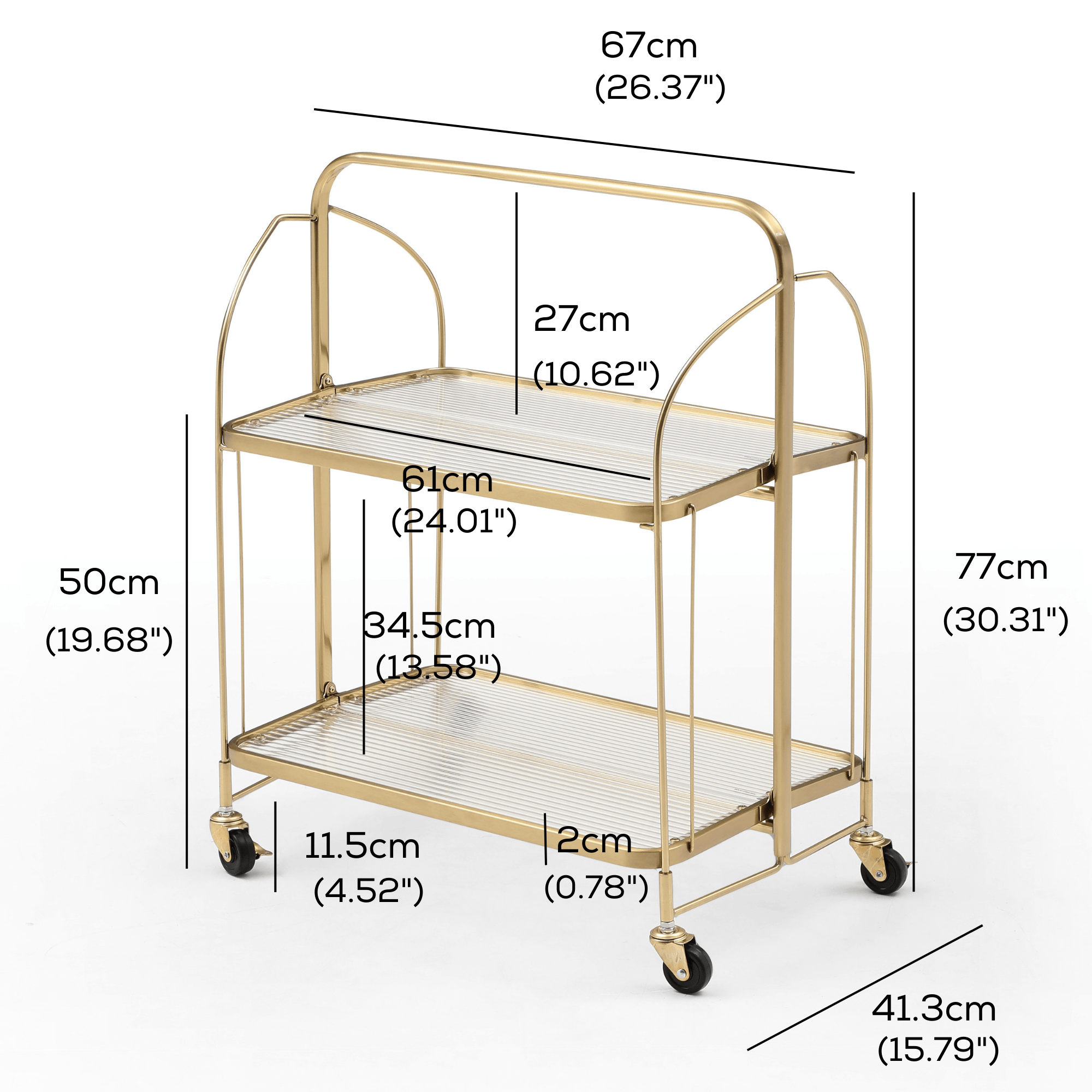

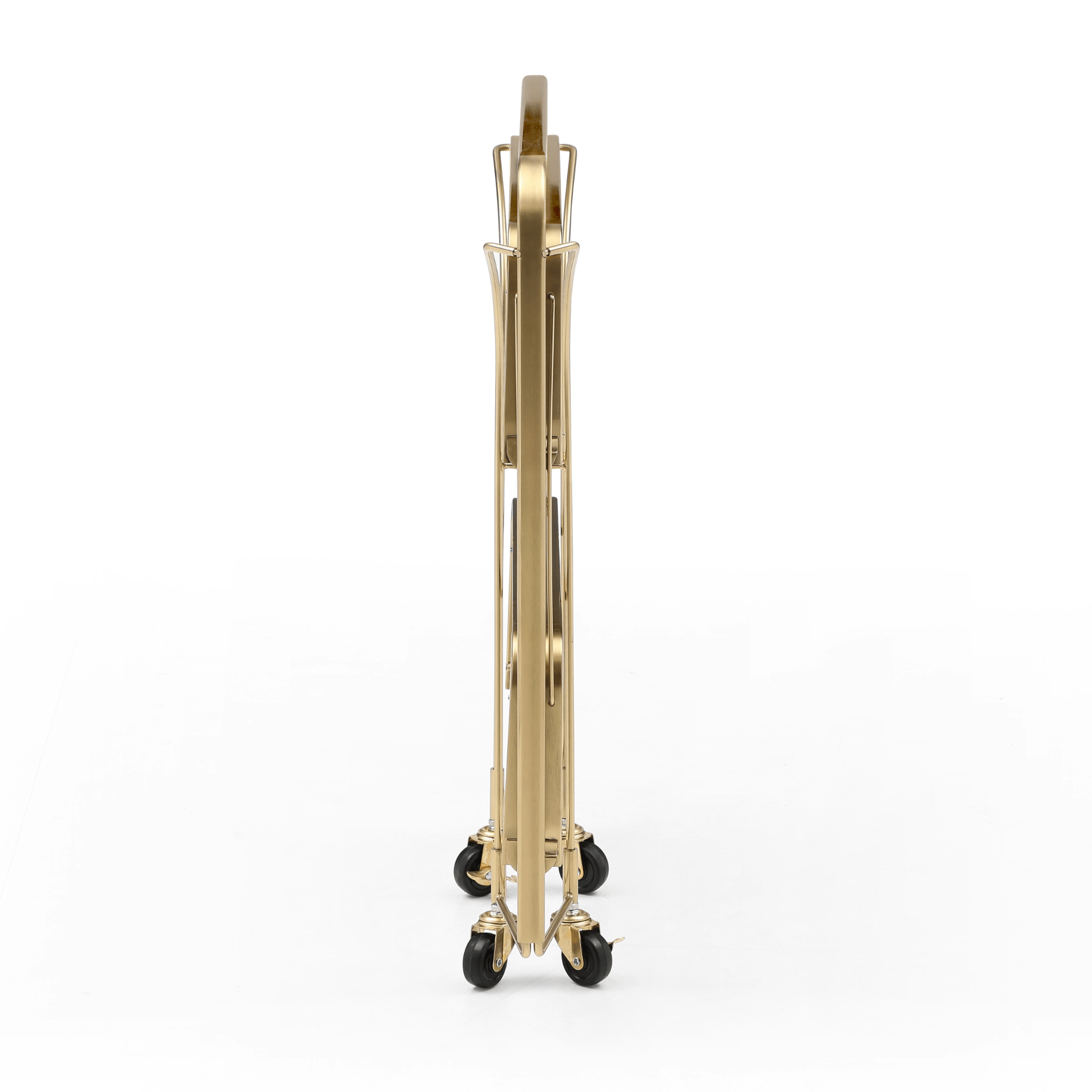
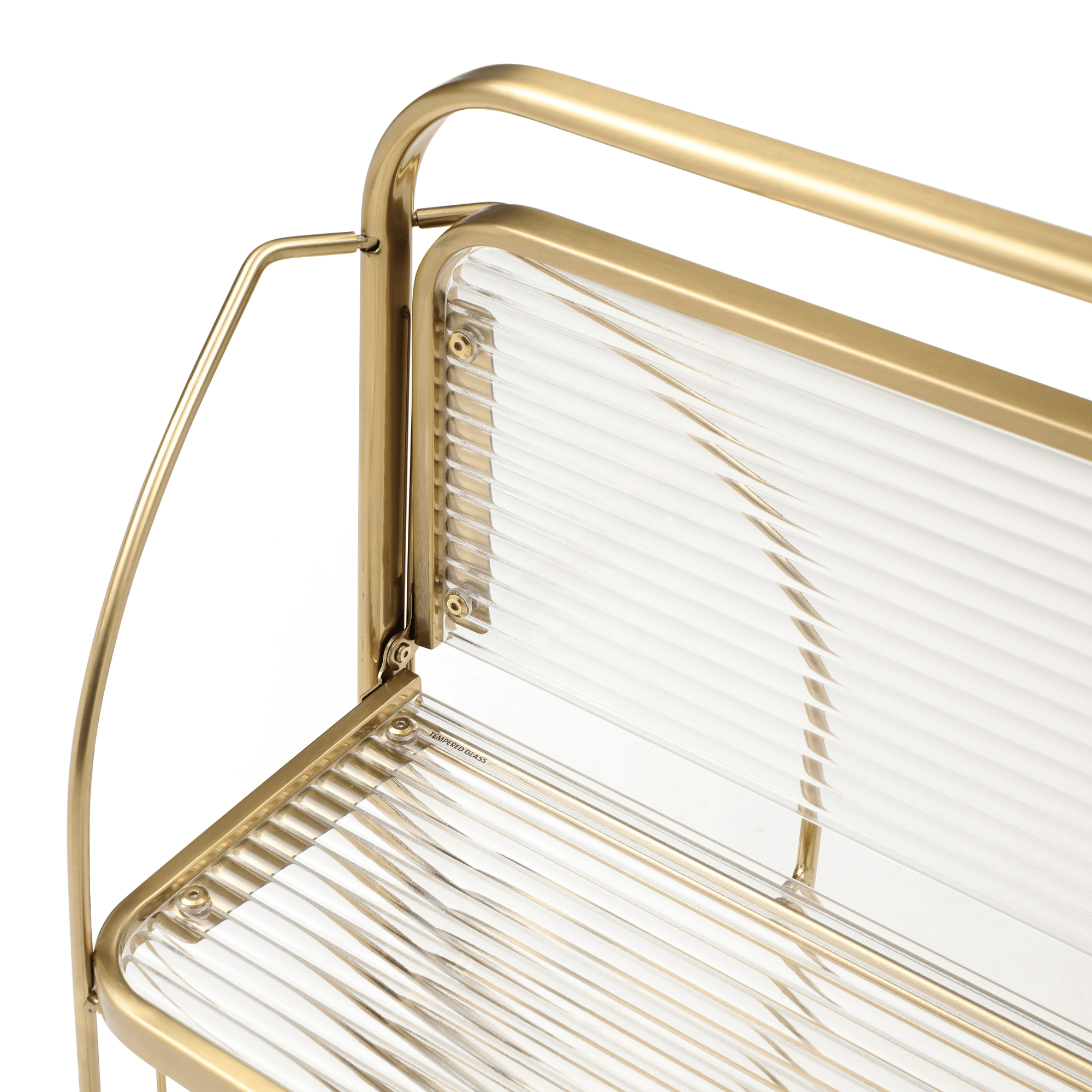
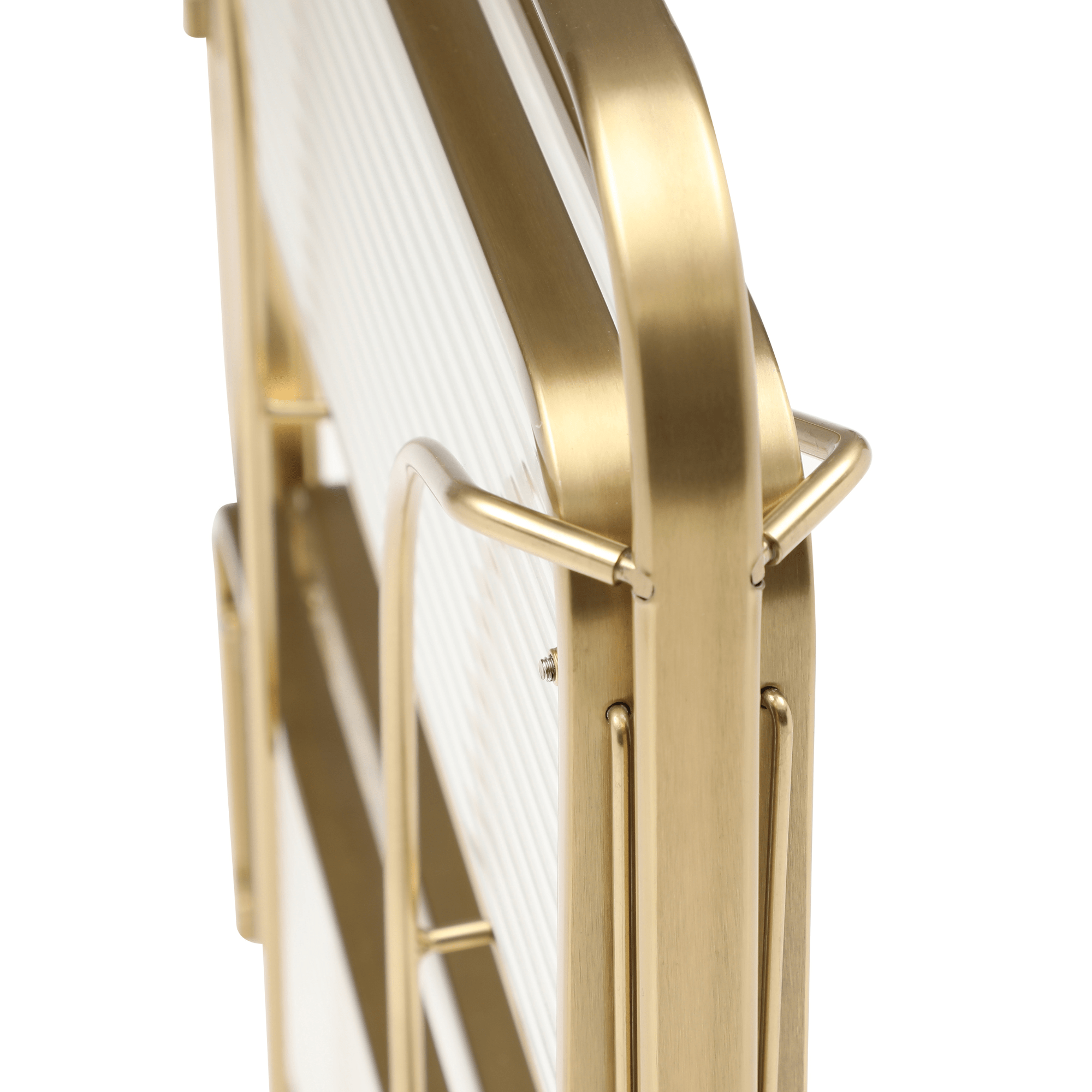
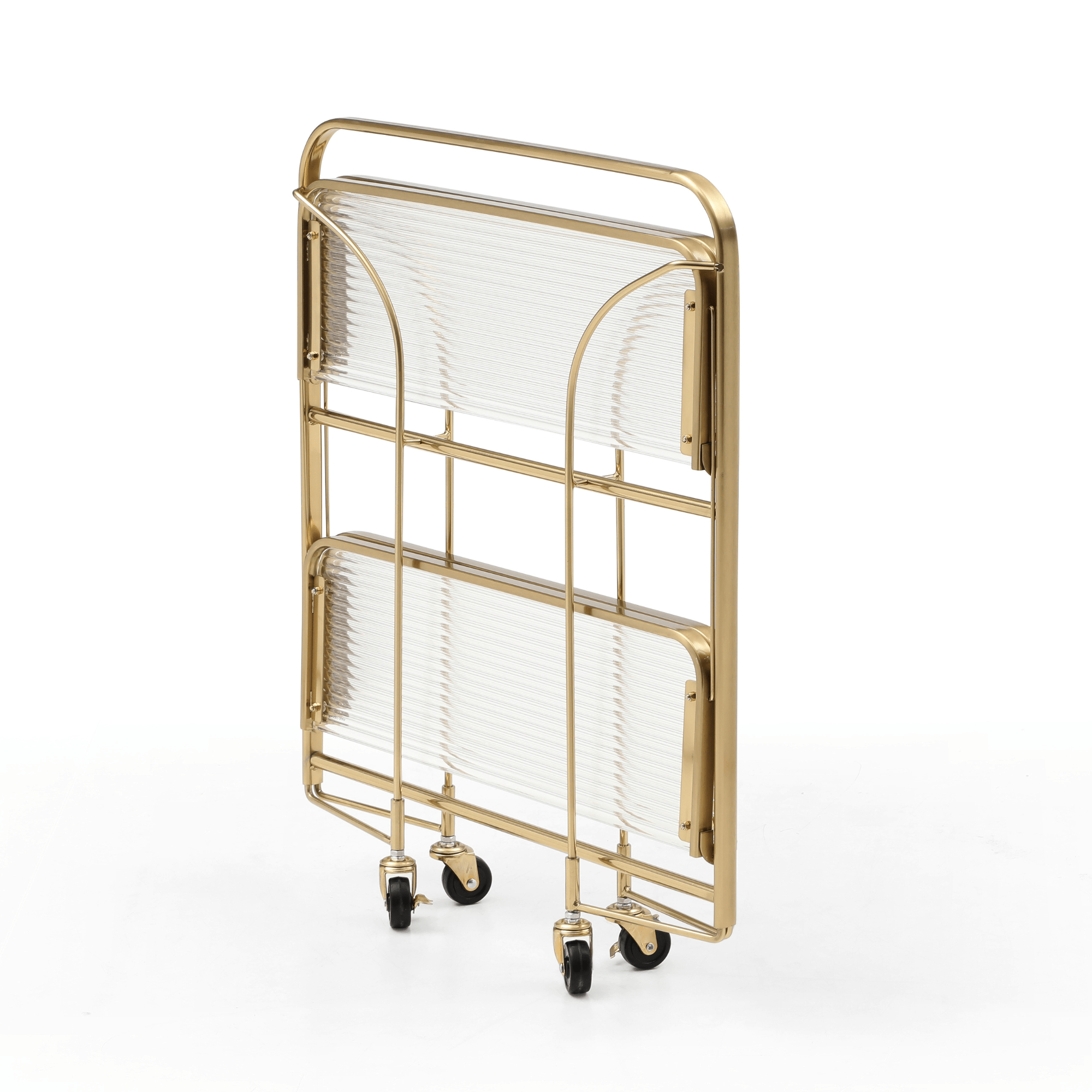

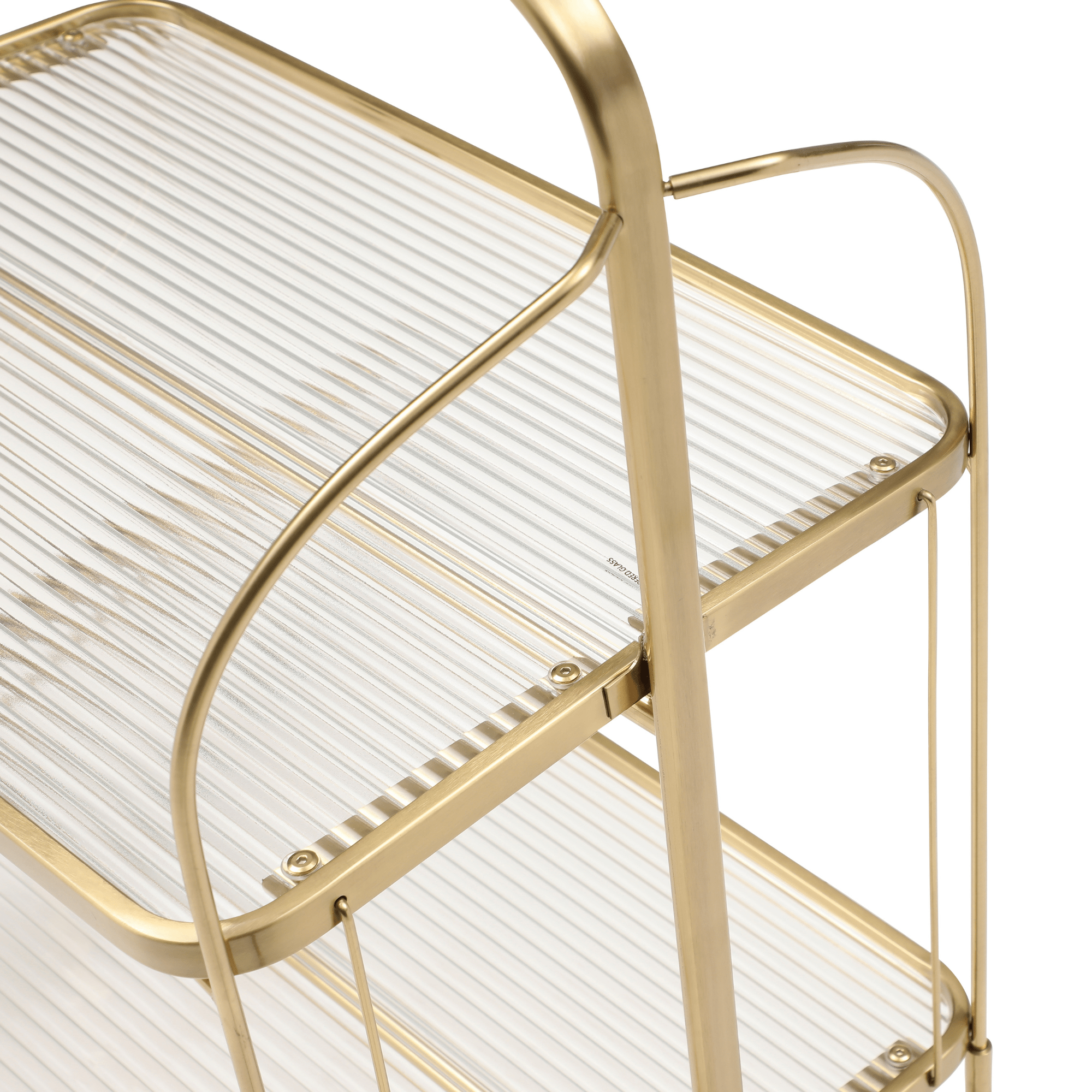
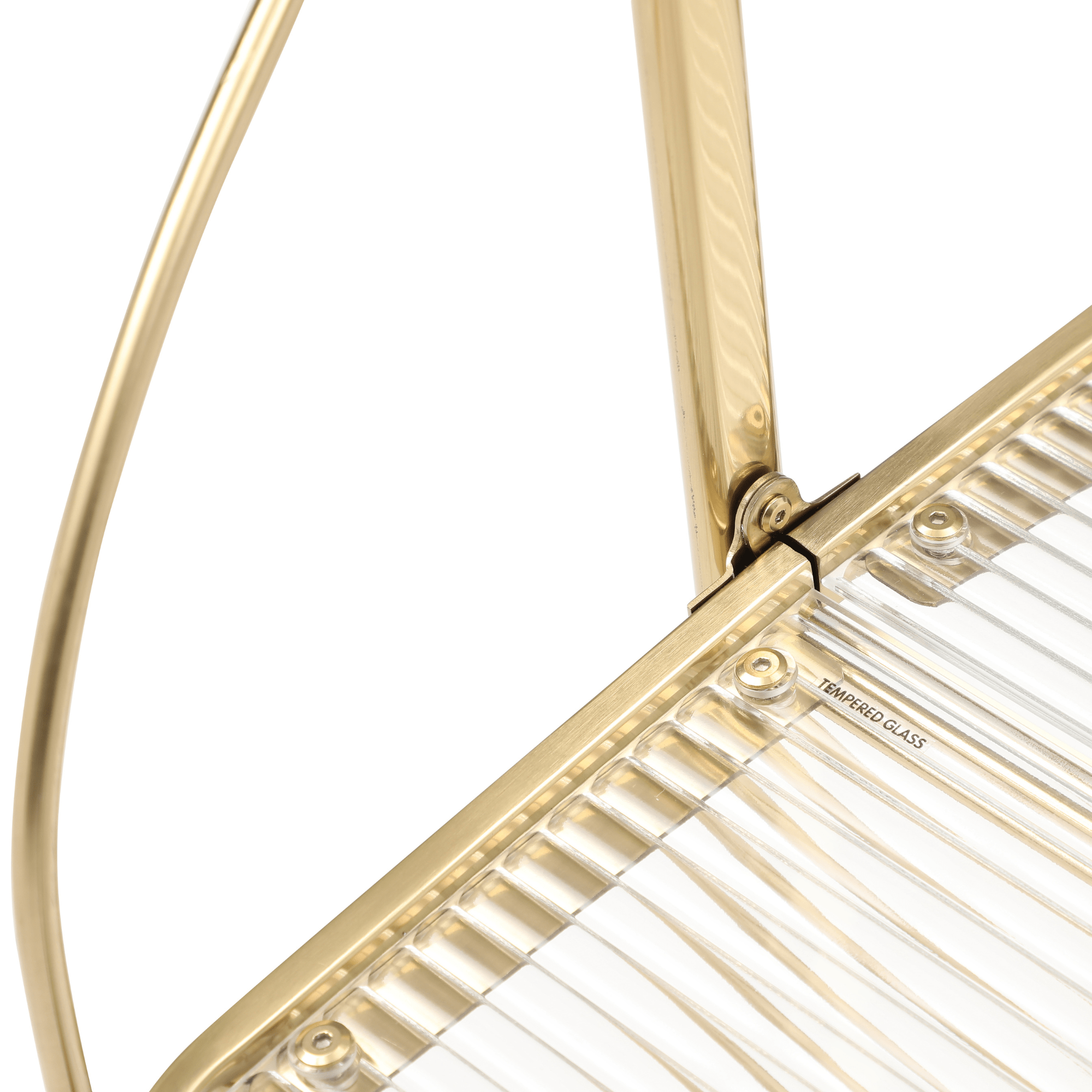
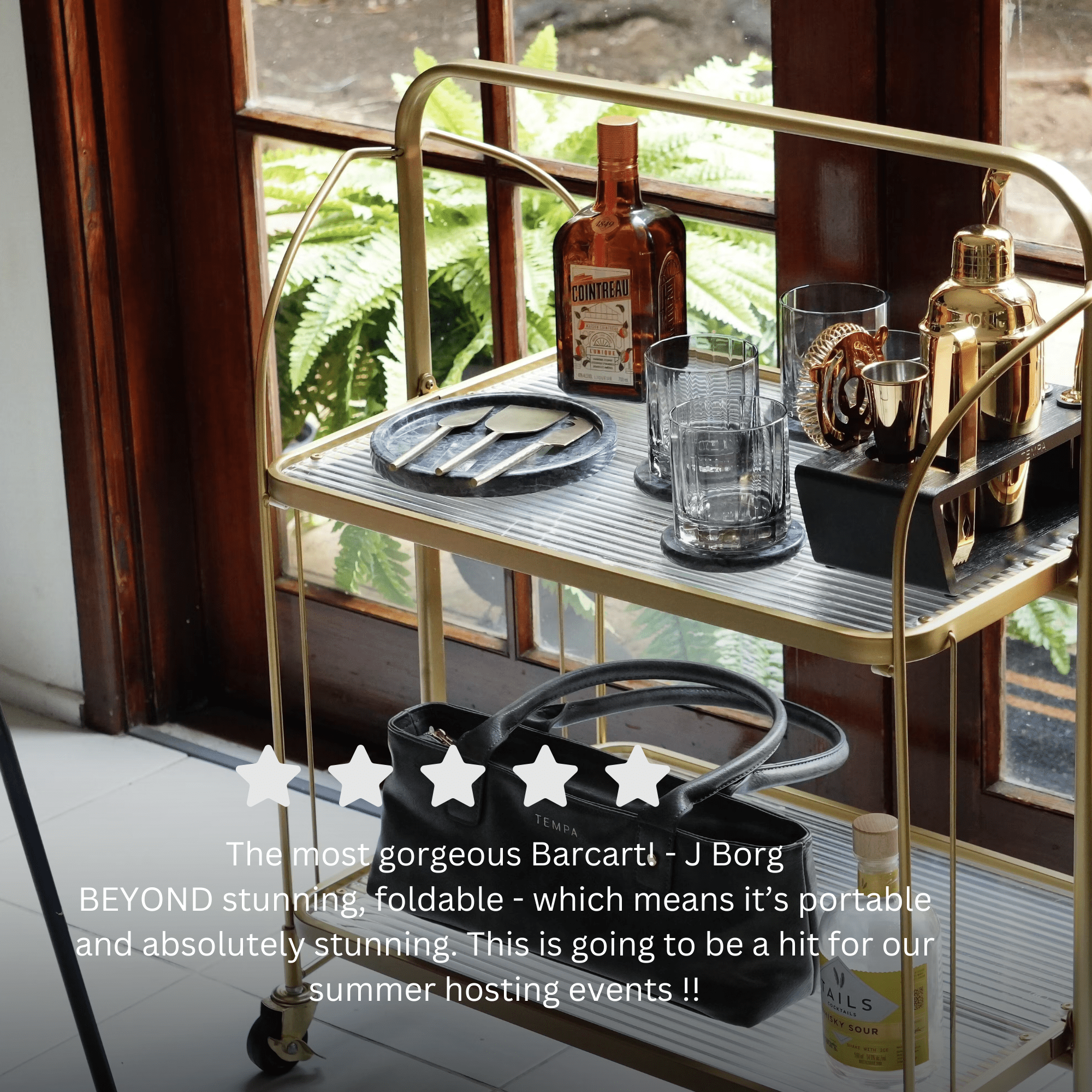




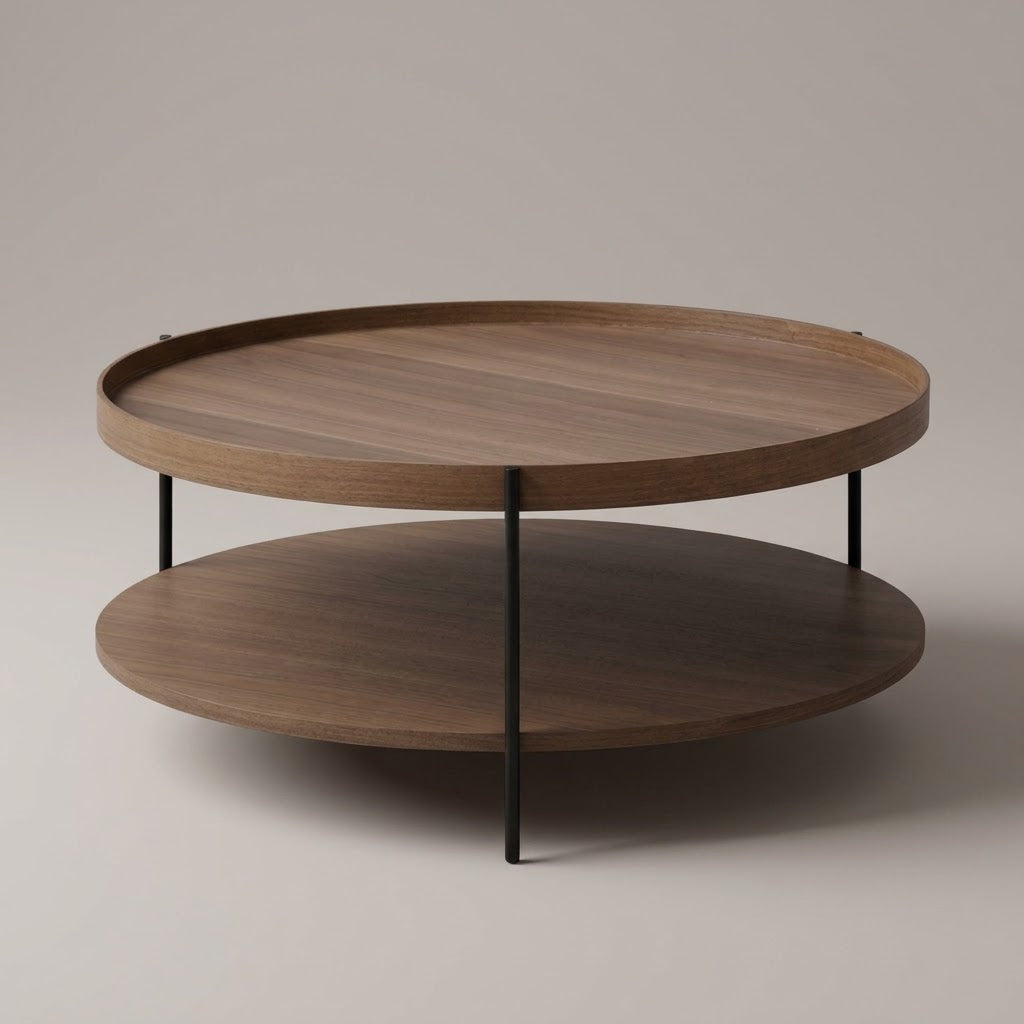

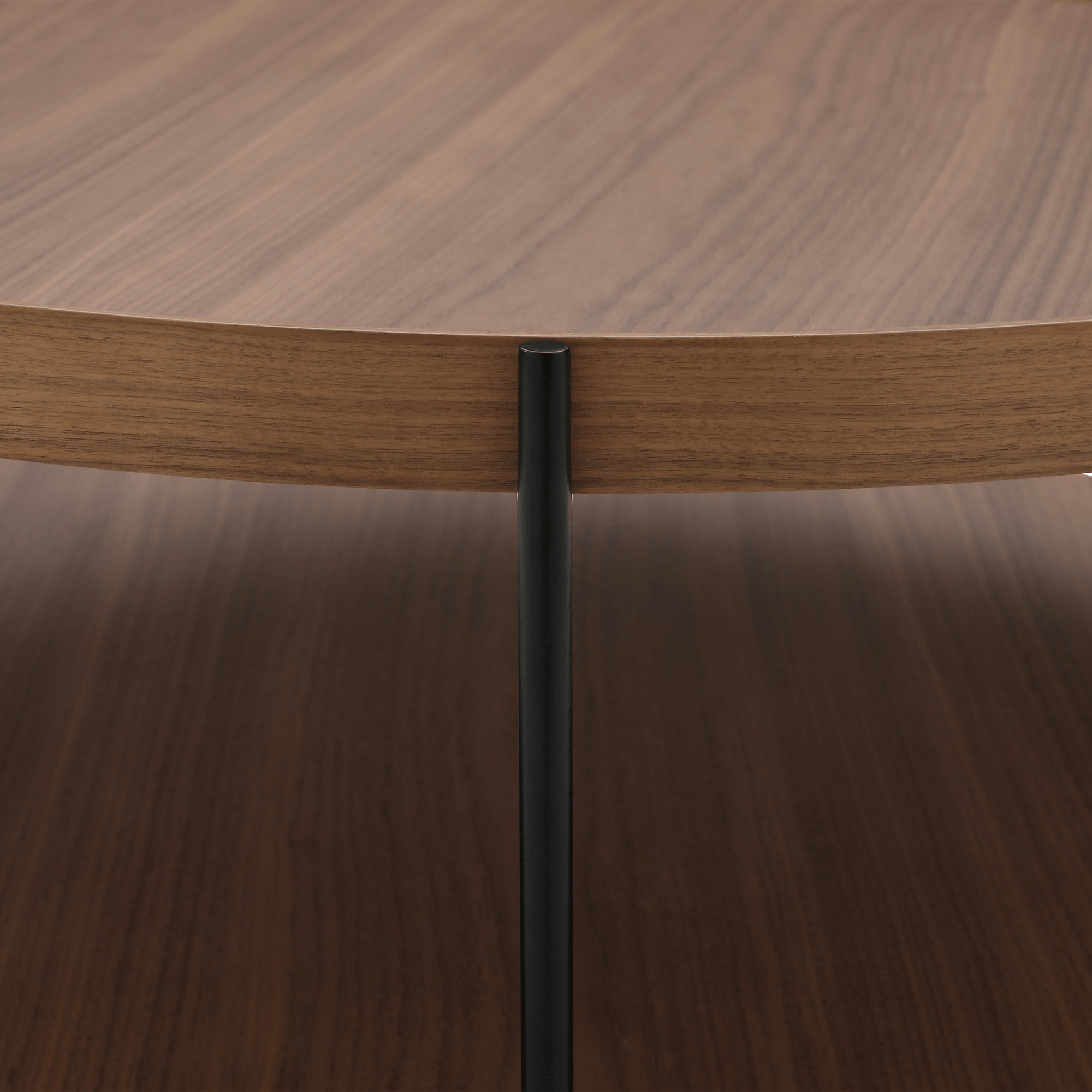
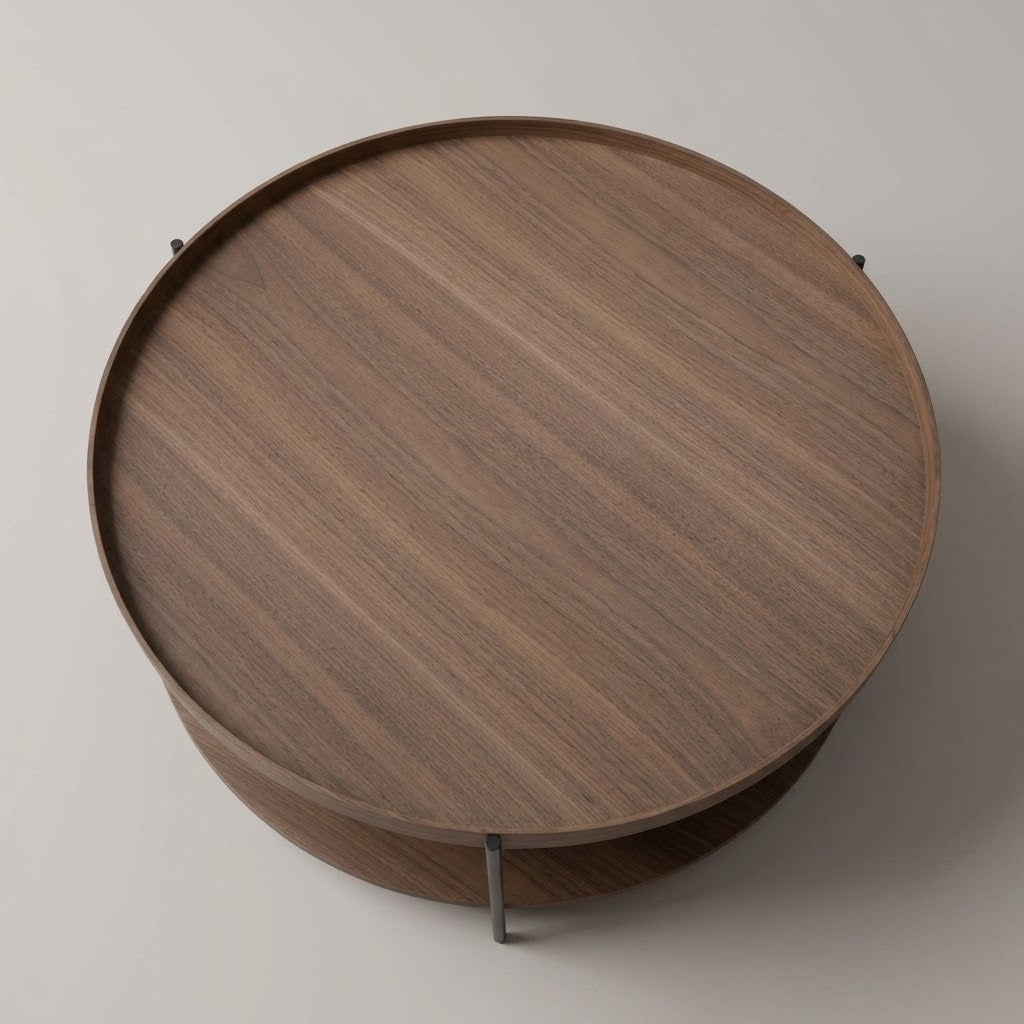
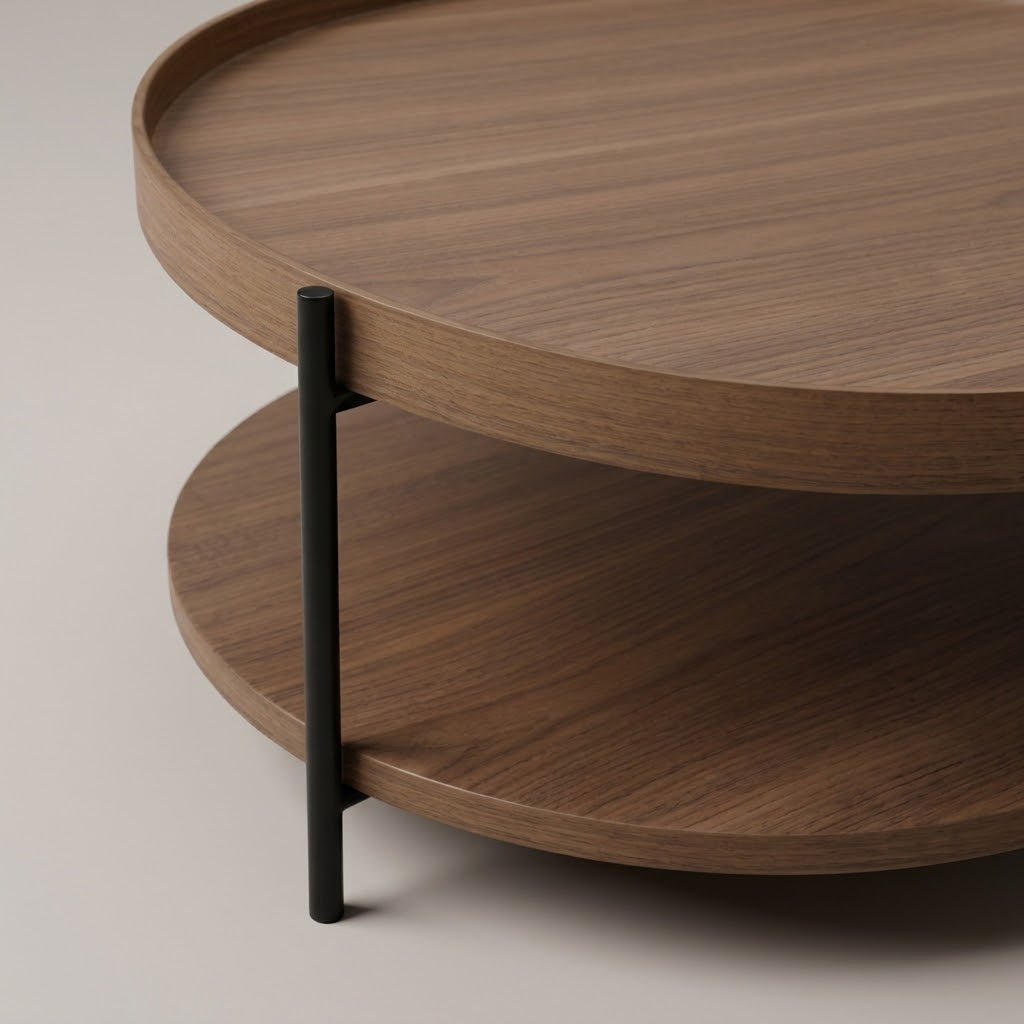
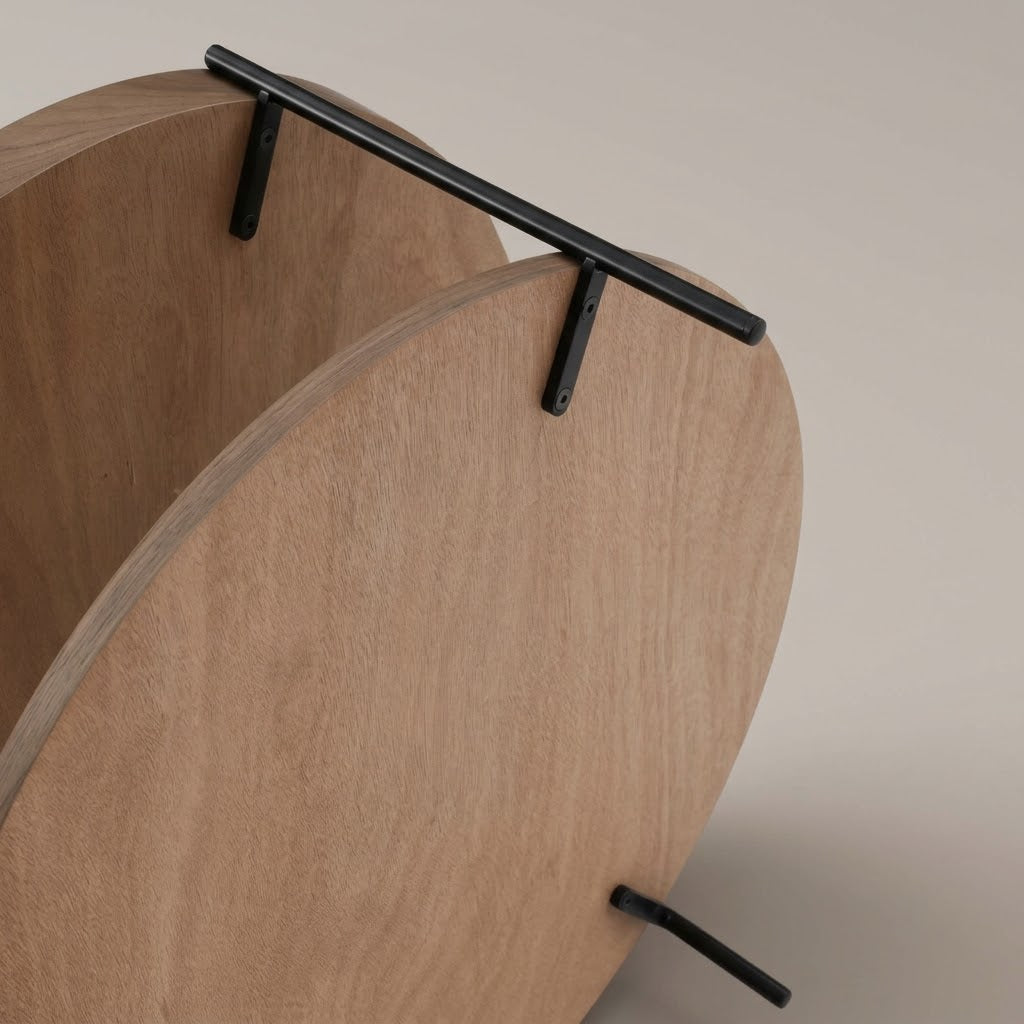
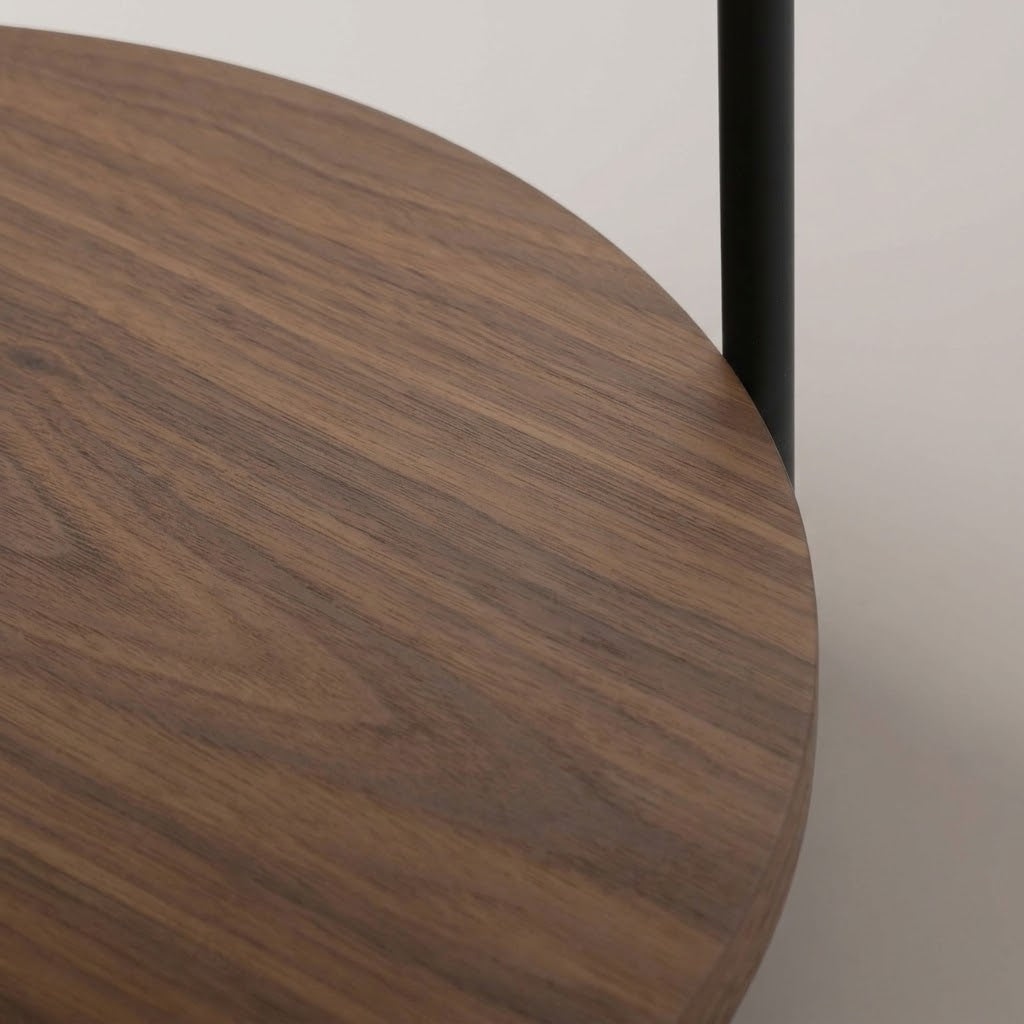
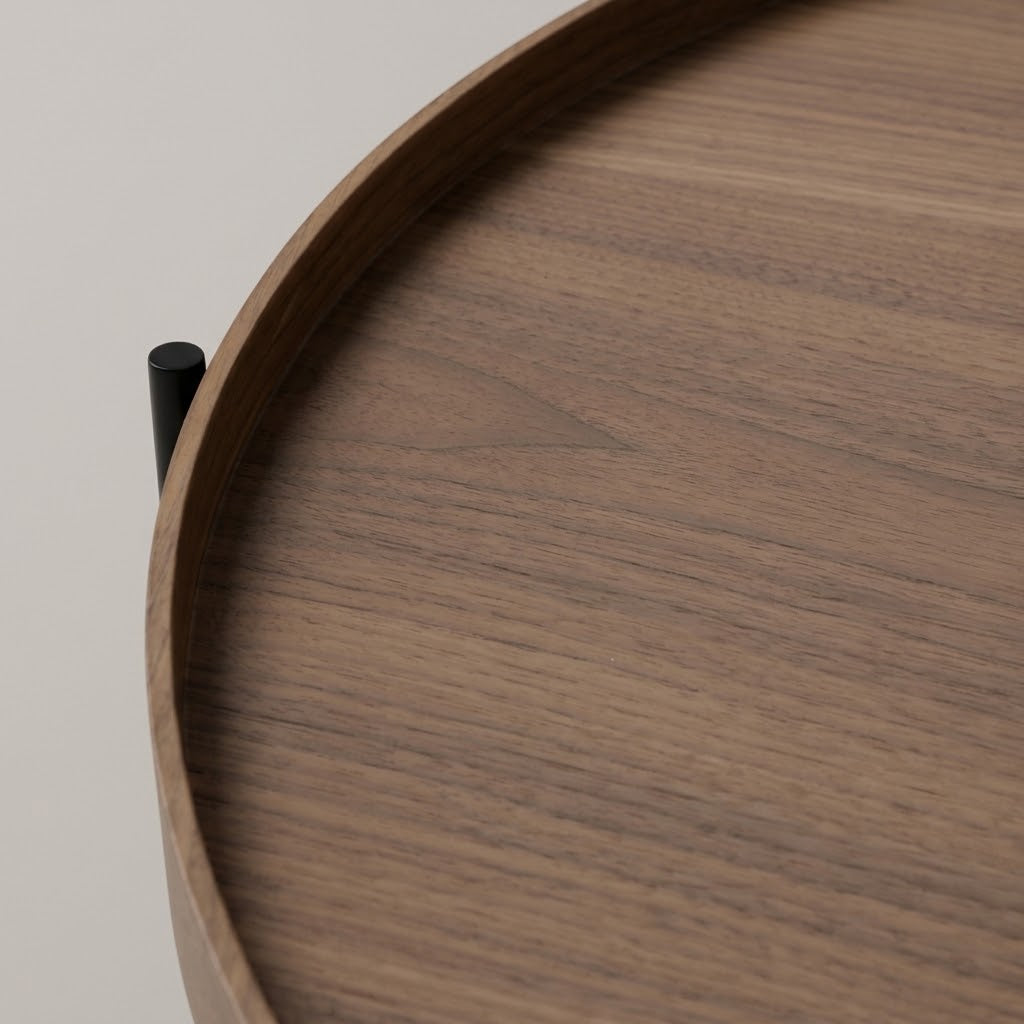
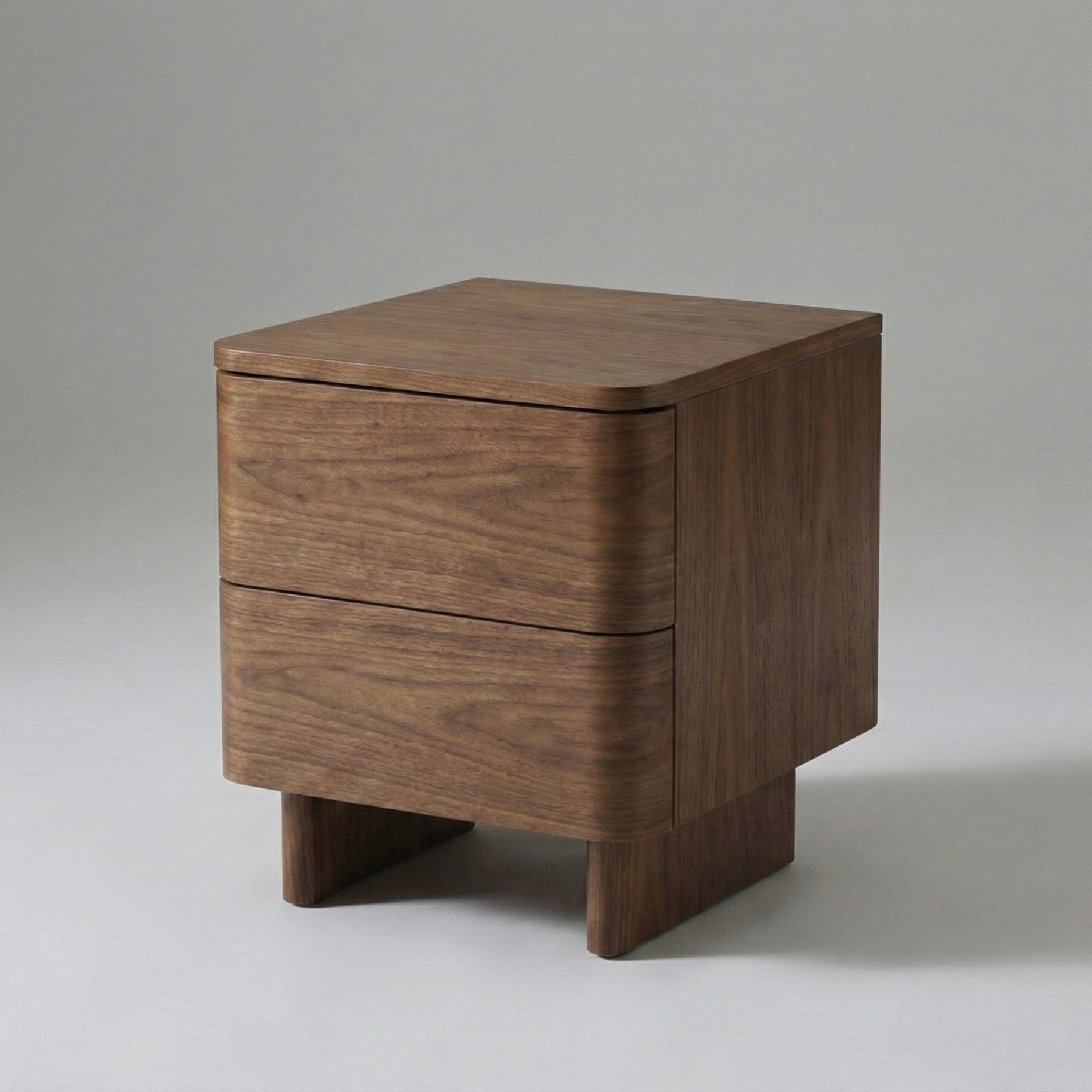


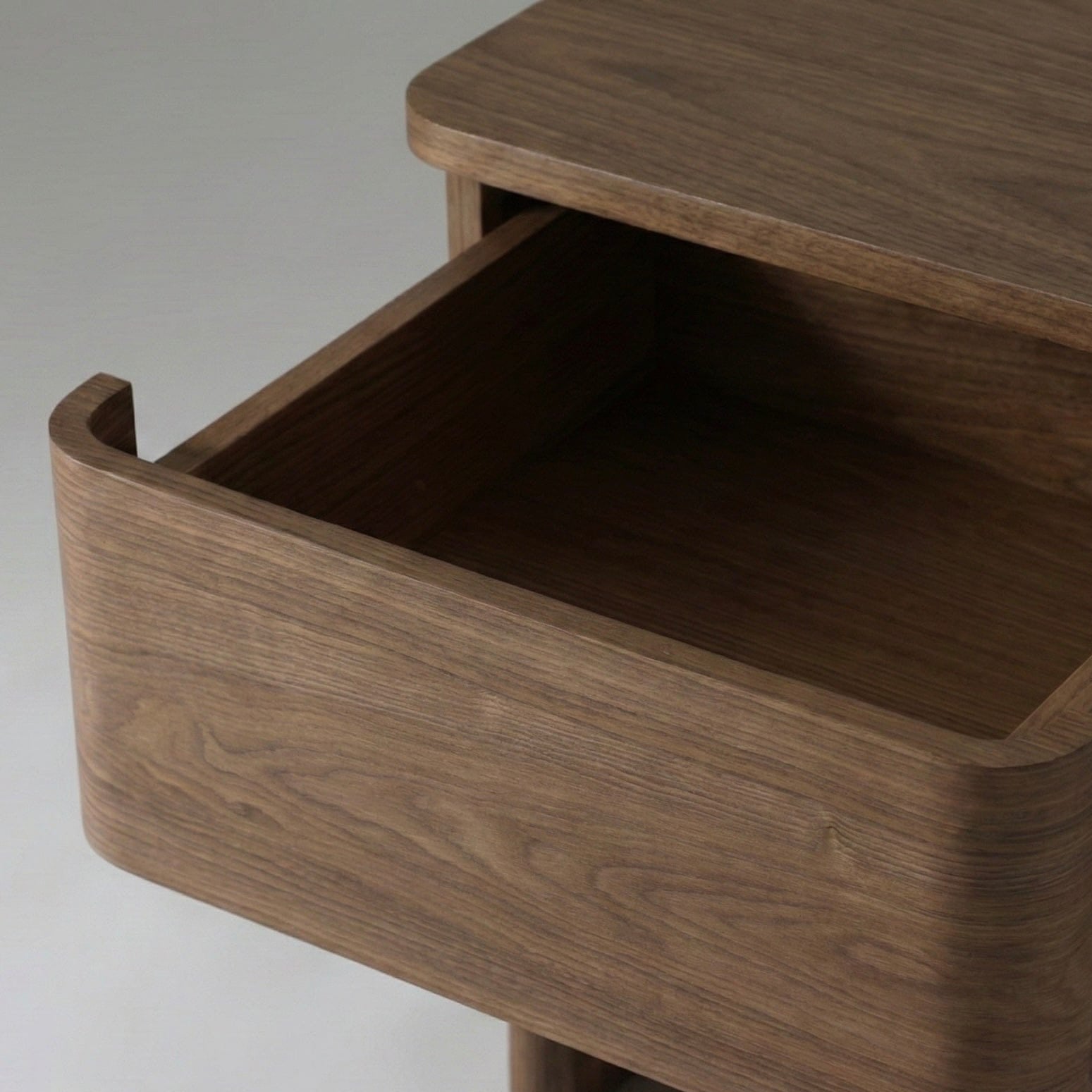
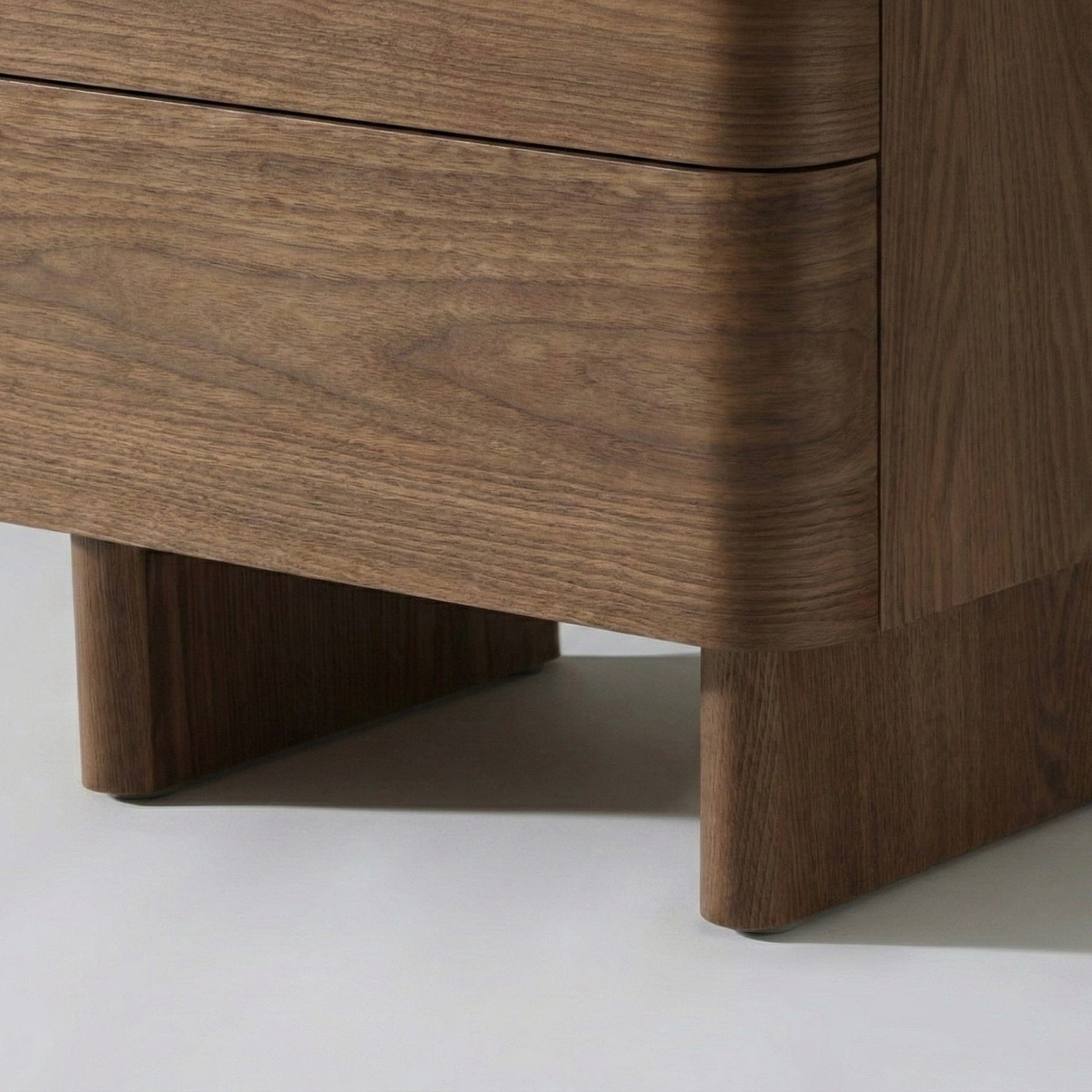
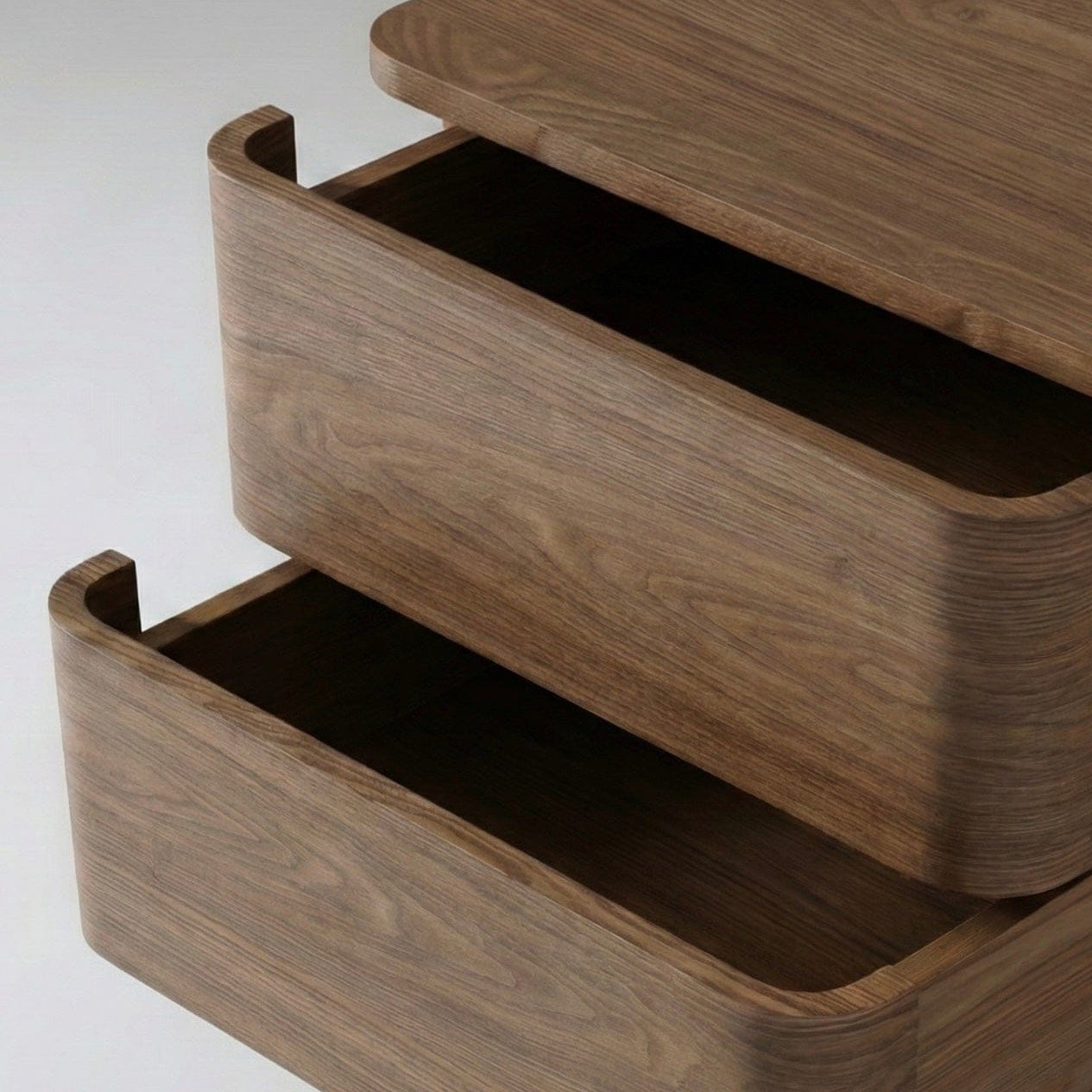
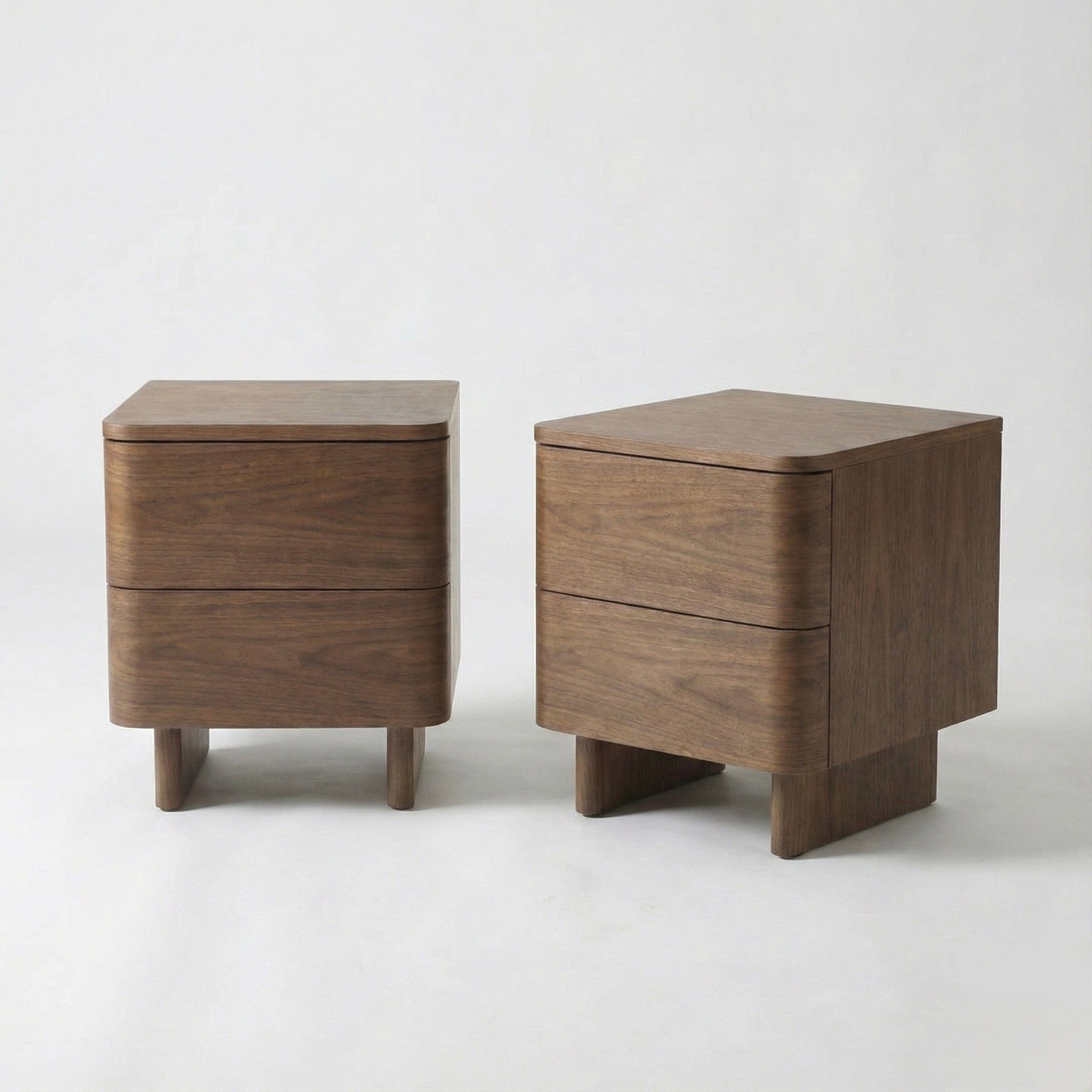

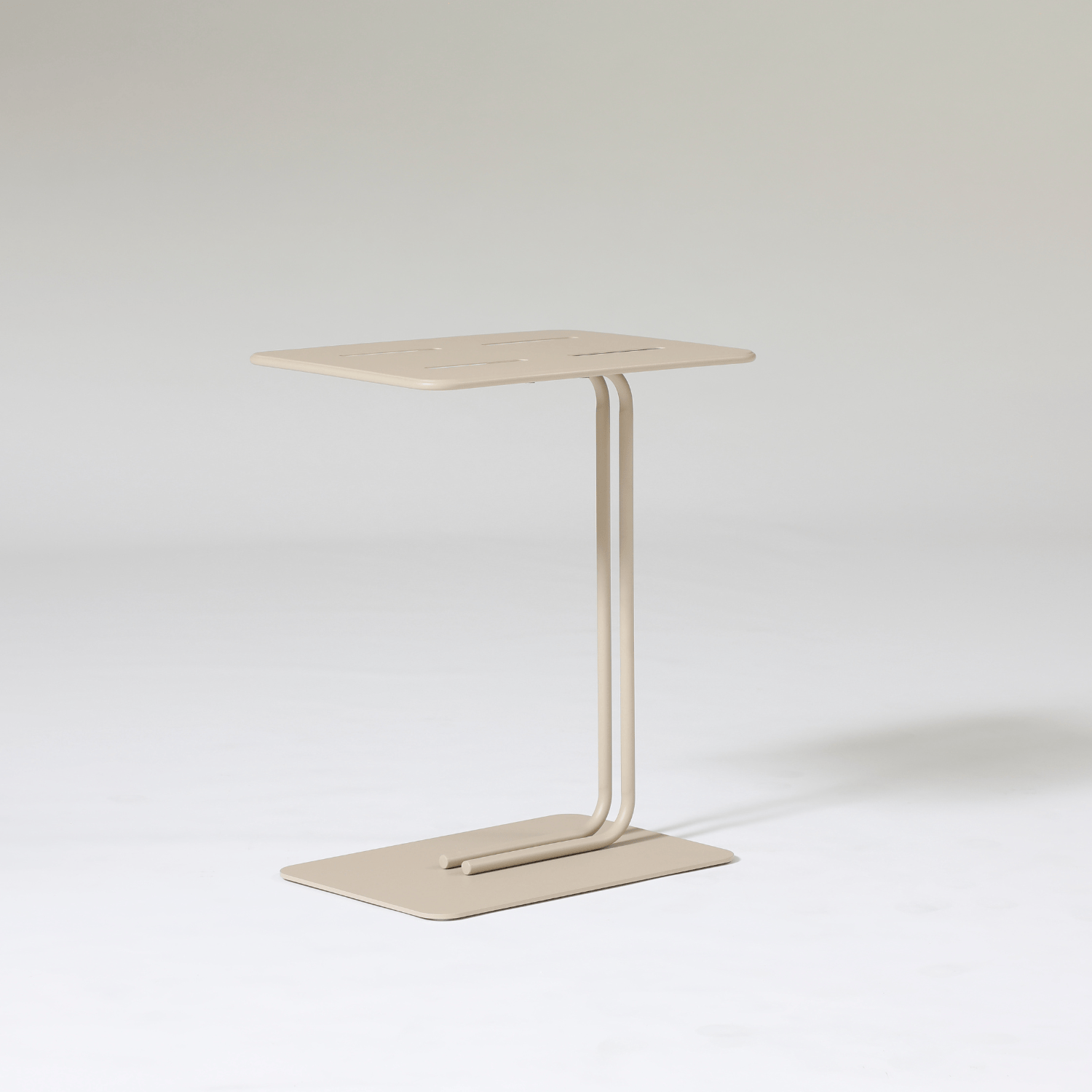


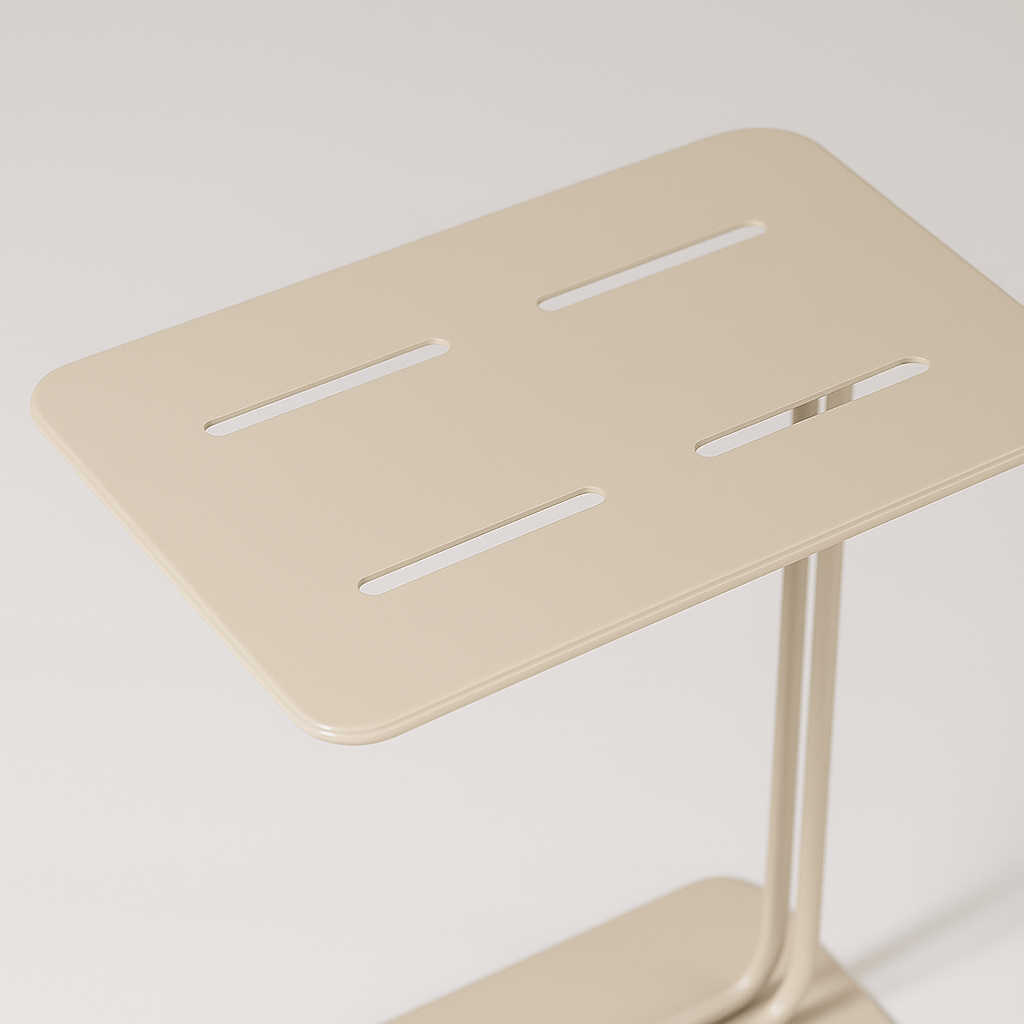
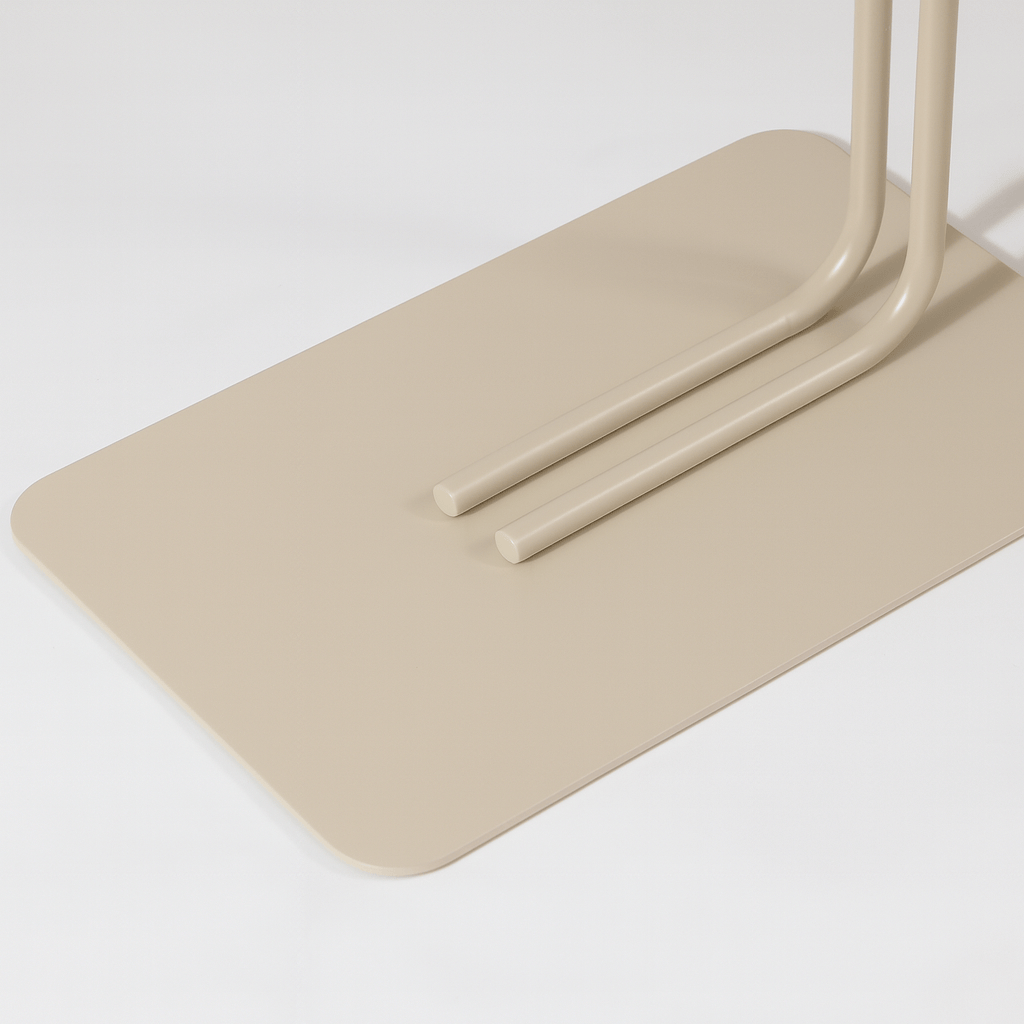
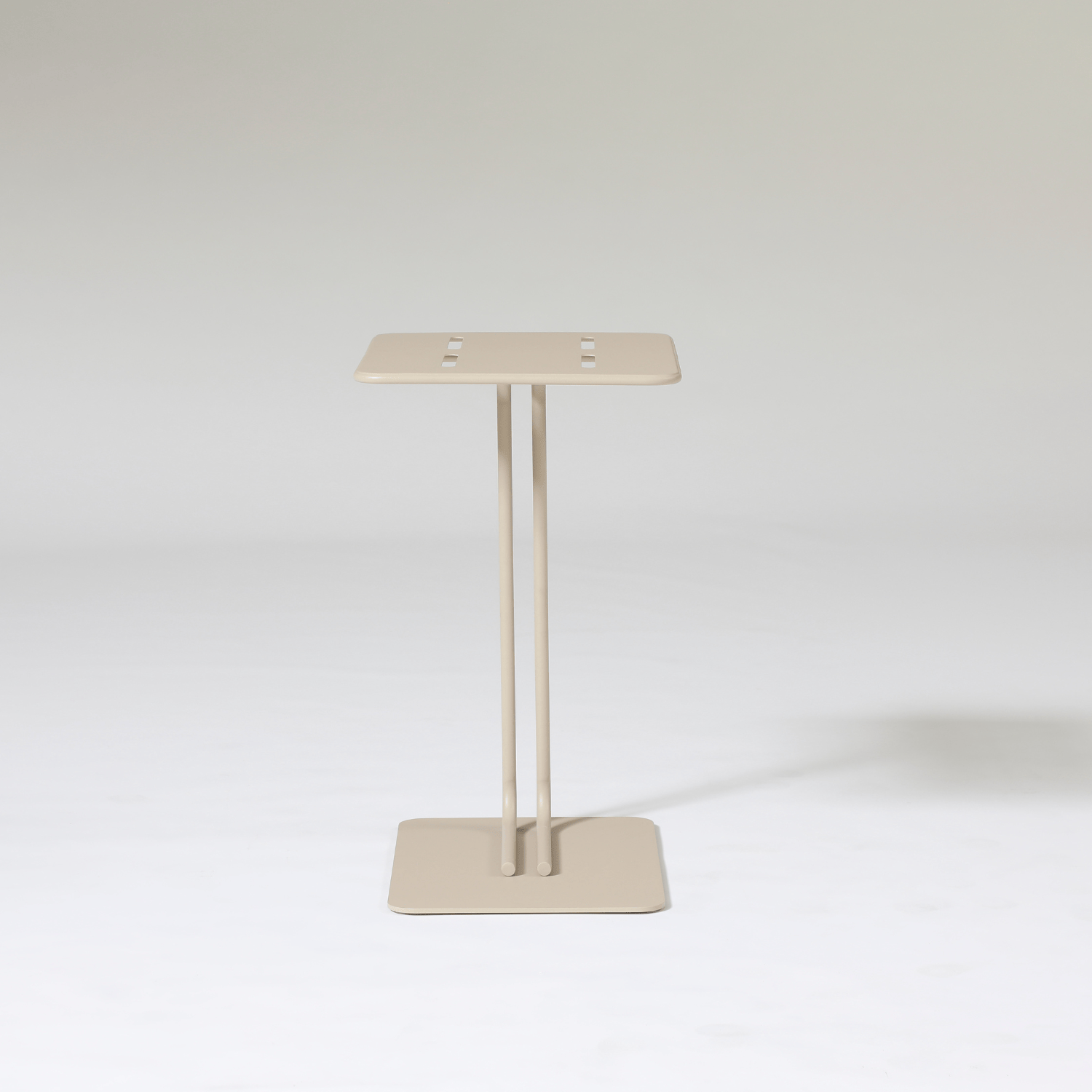
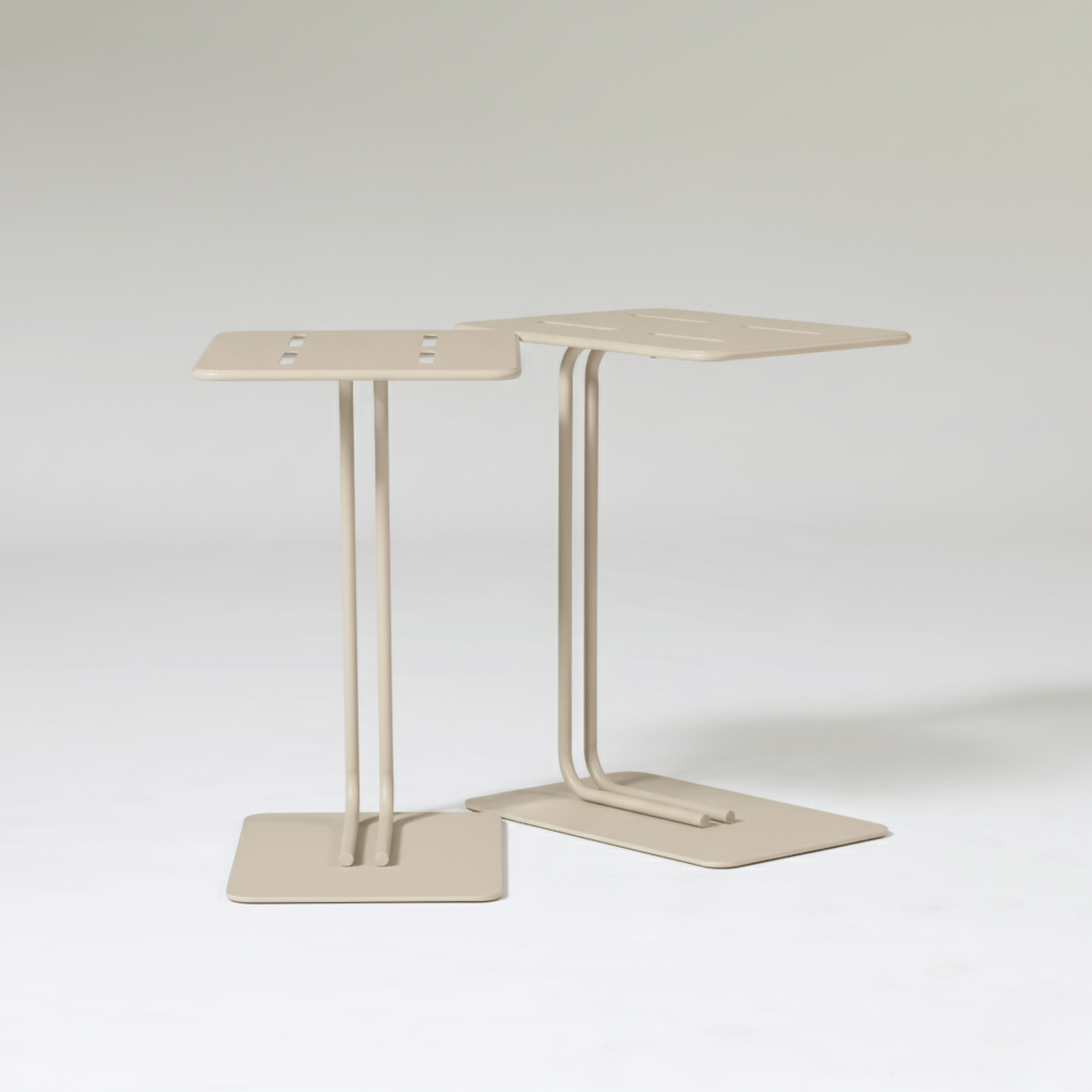
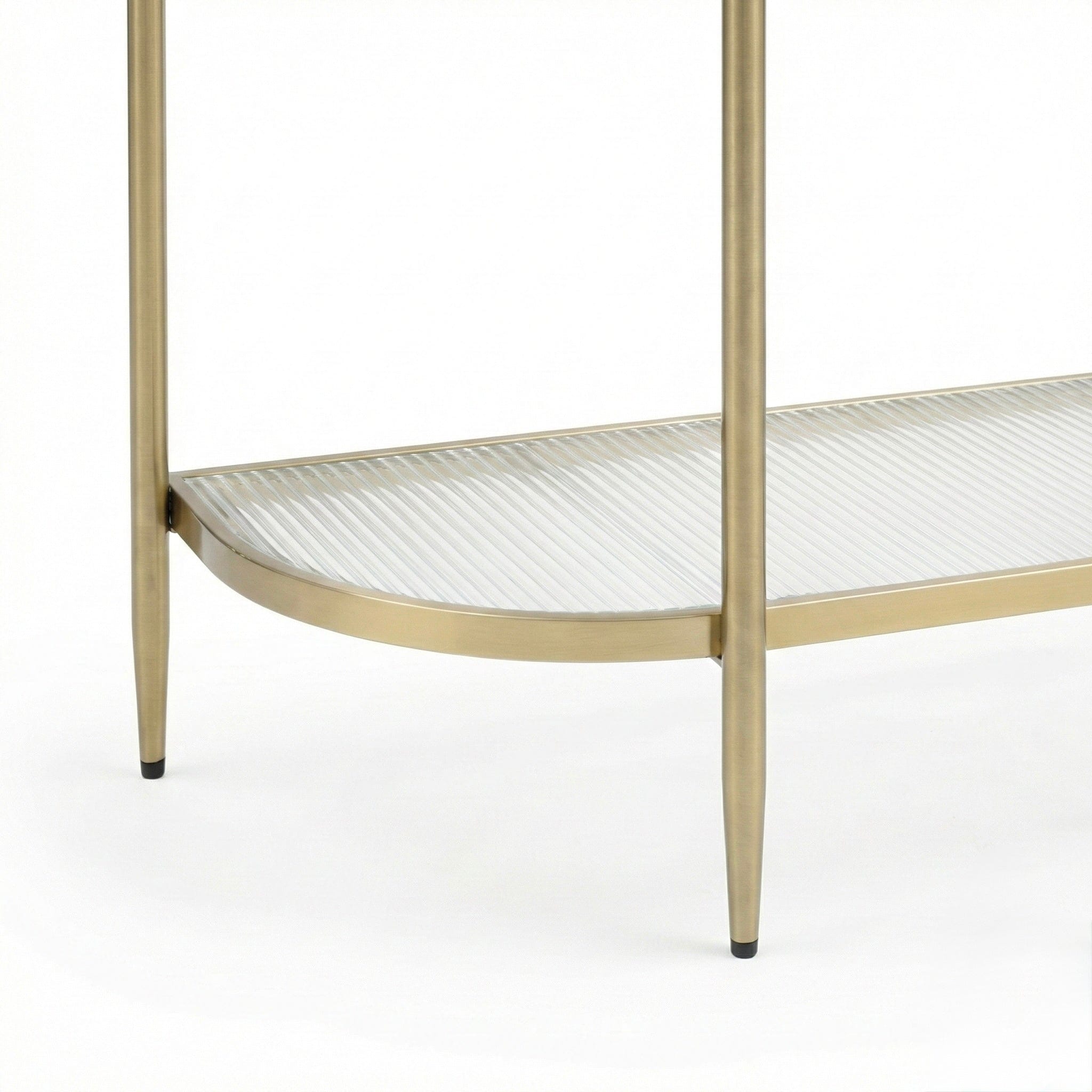
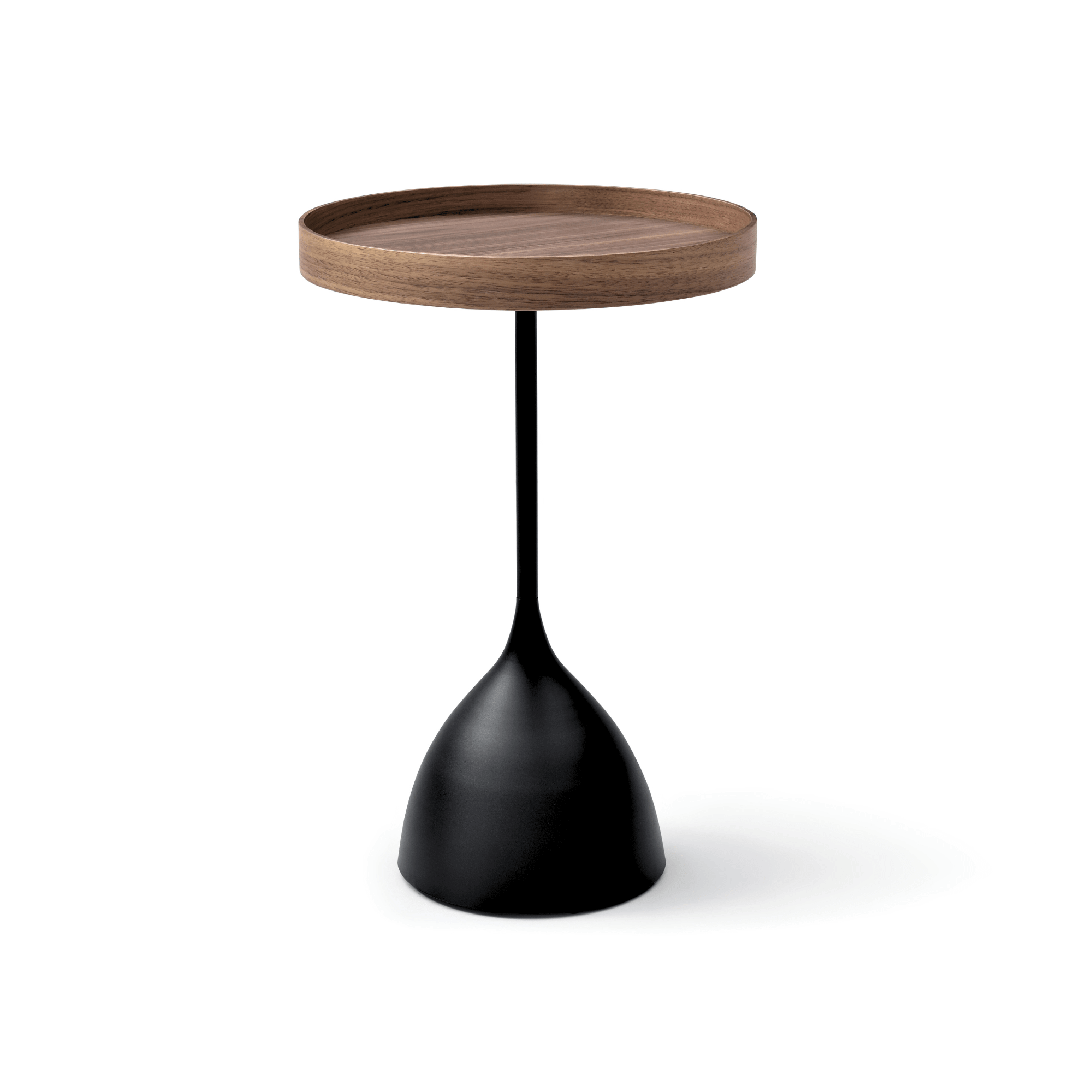
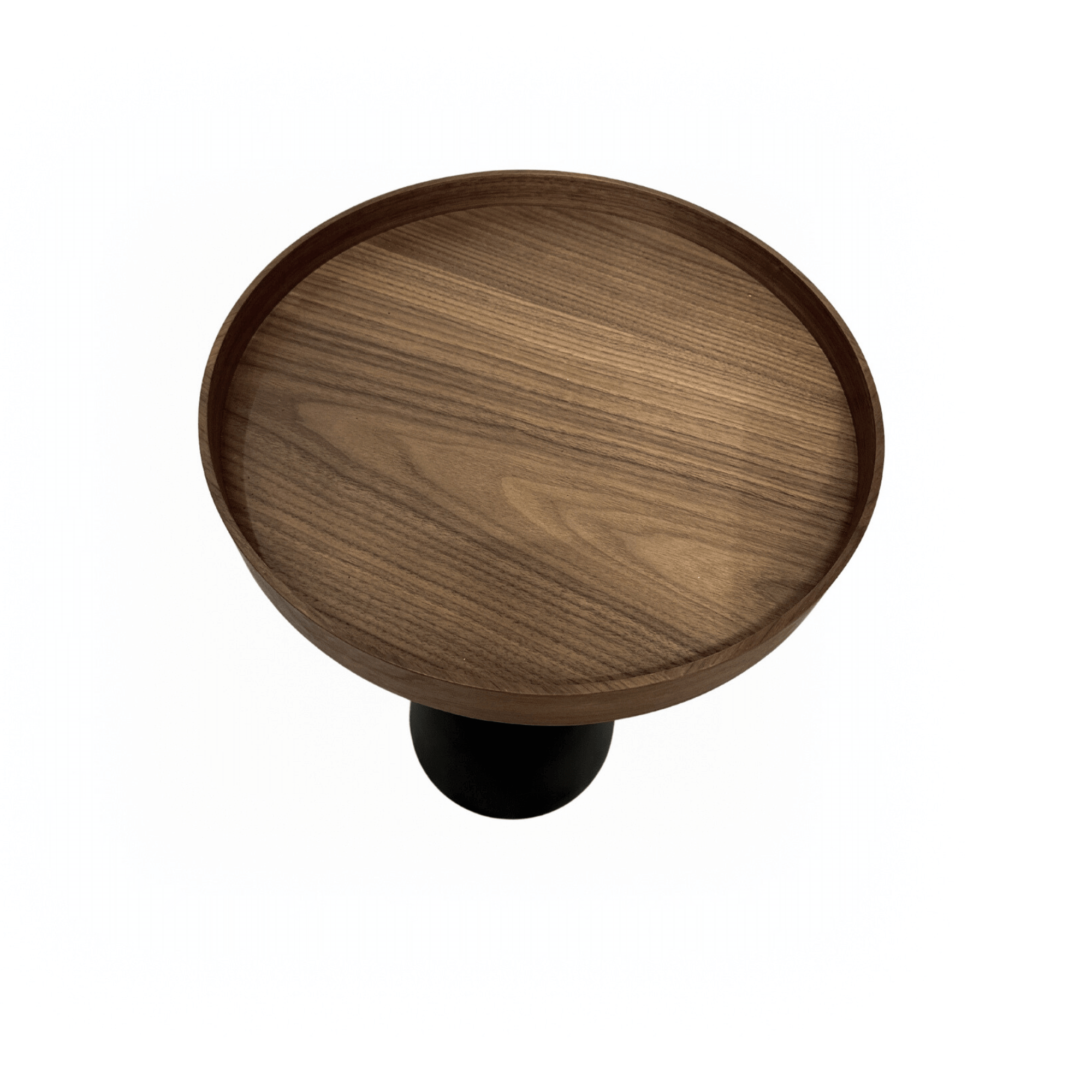
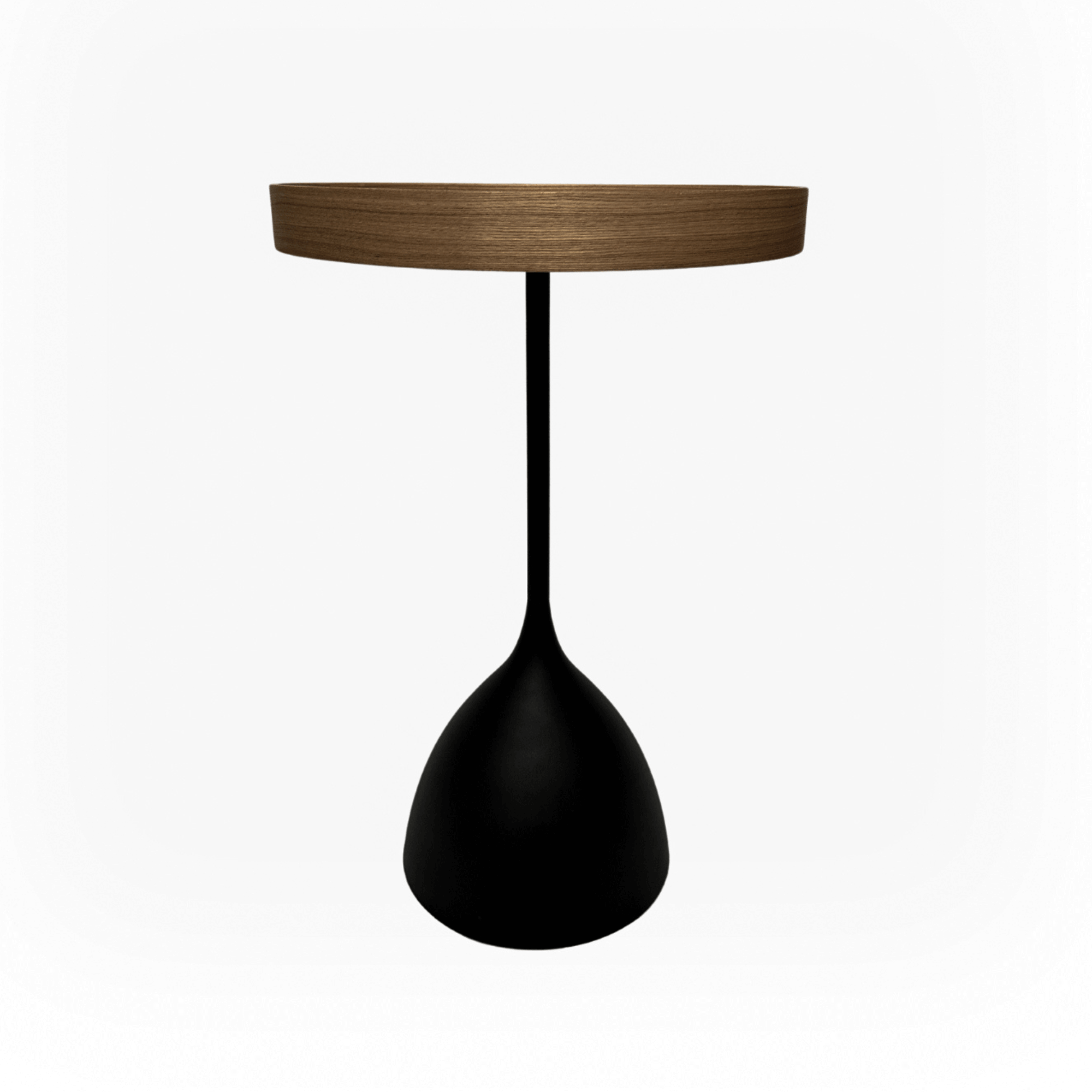
Our most popular pieces from the last 90 days, all part of The Long Black Black Friday sale until 30 November.